Skins |
Effects |
Controllers |
Languages |
Samples |
Grafx |
Tools |
INVIA |
![]() |
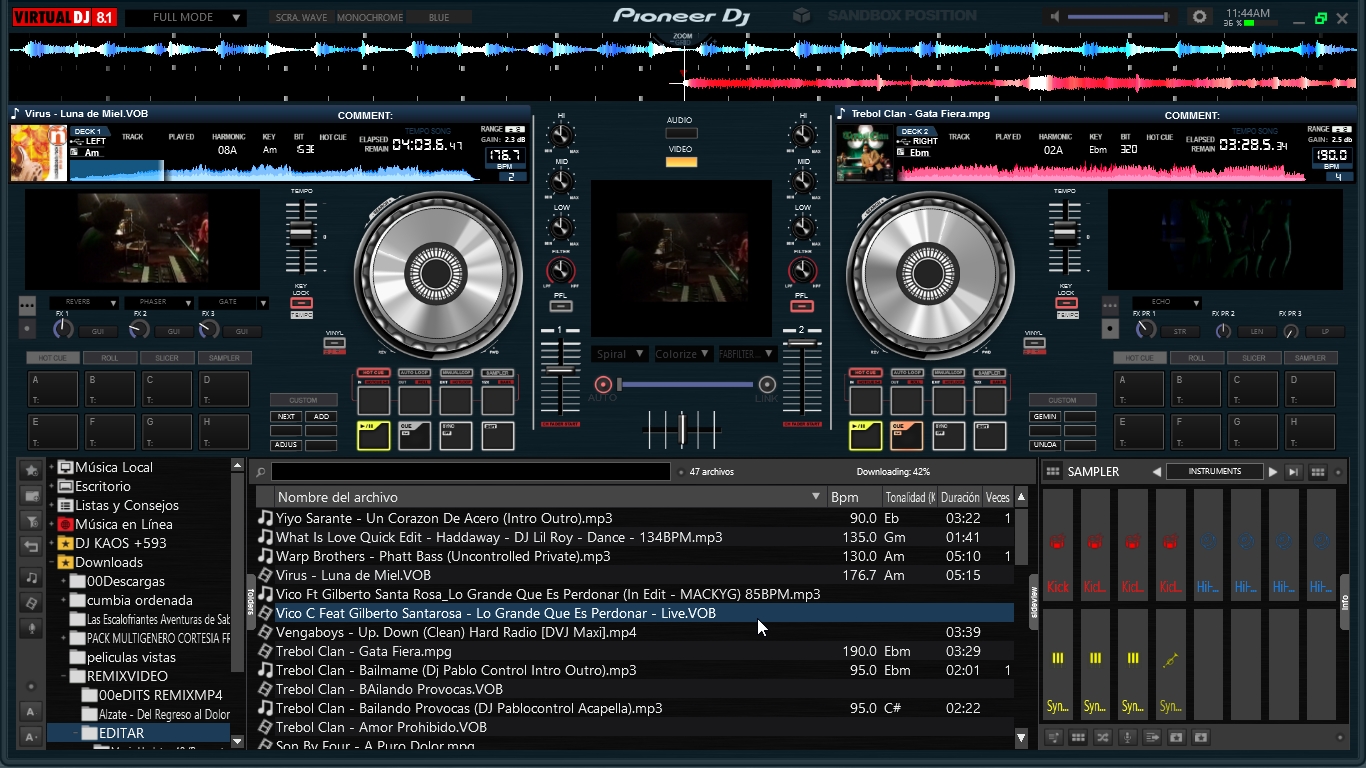
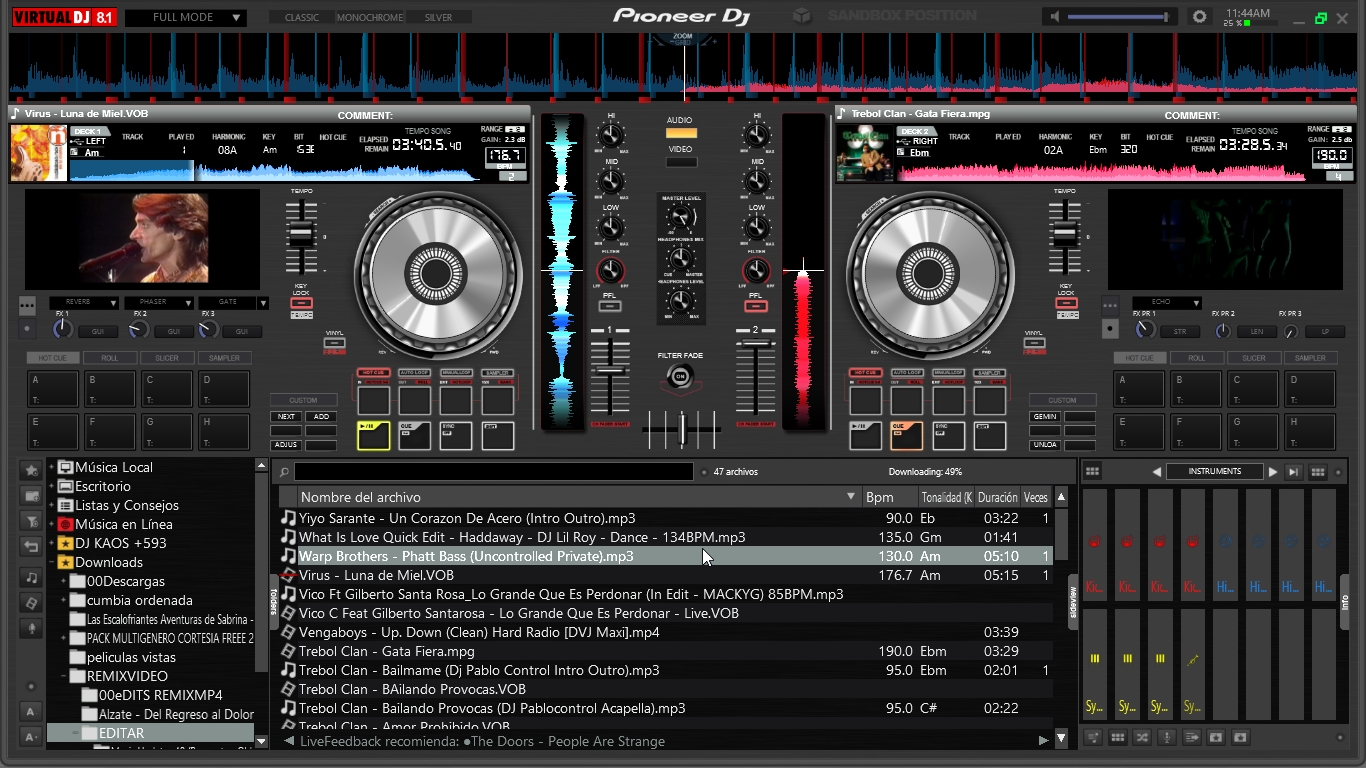
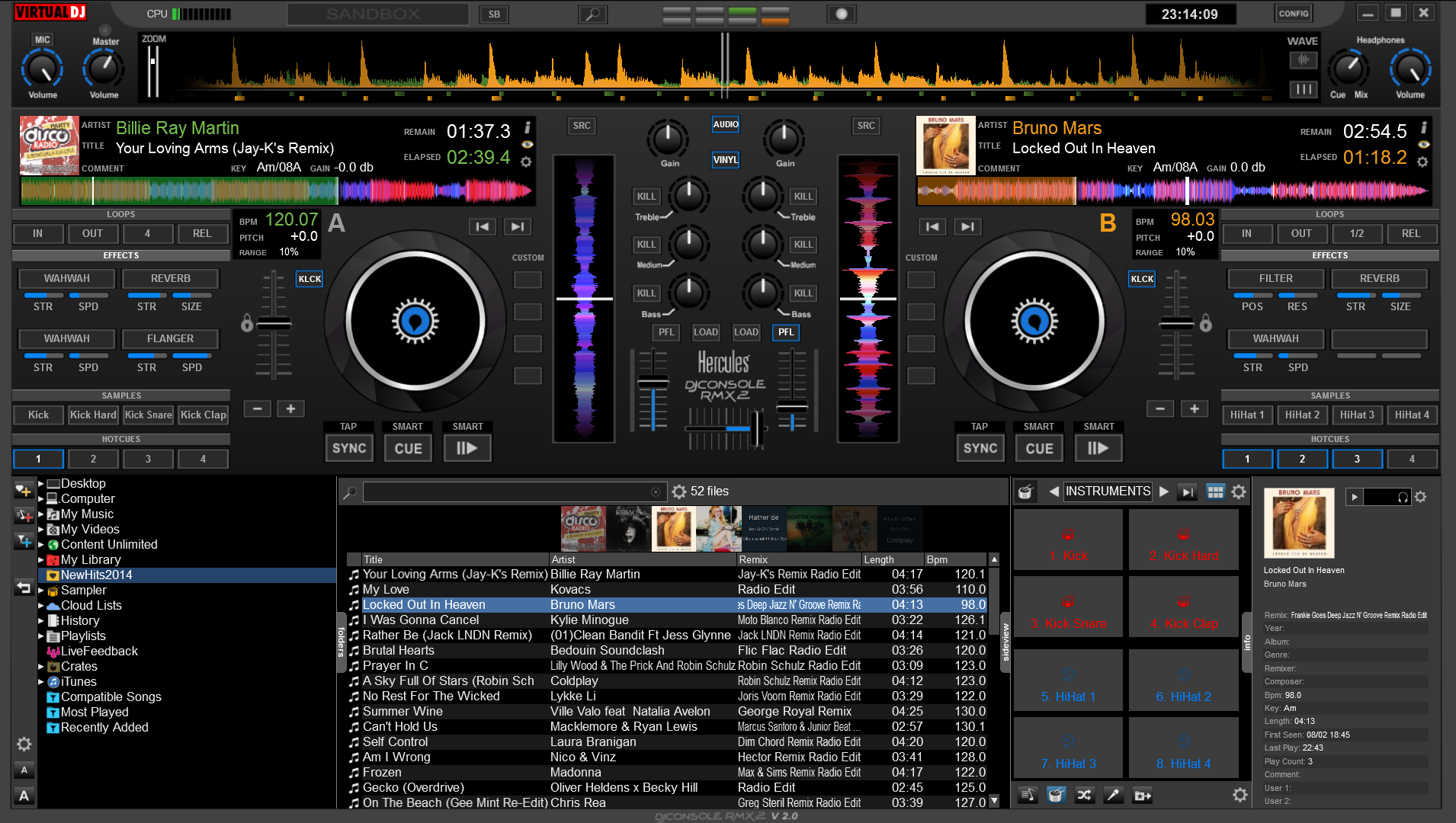
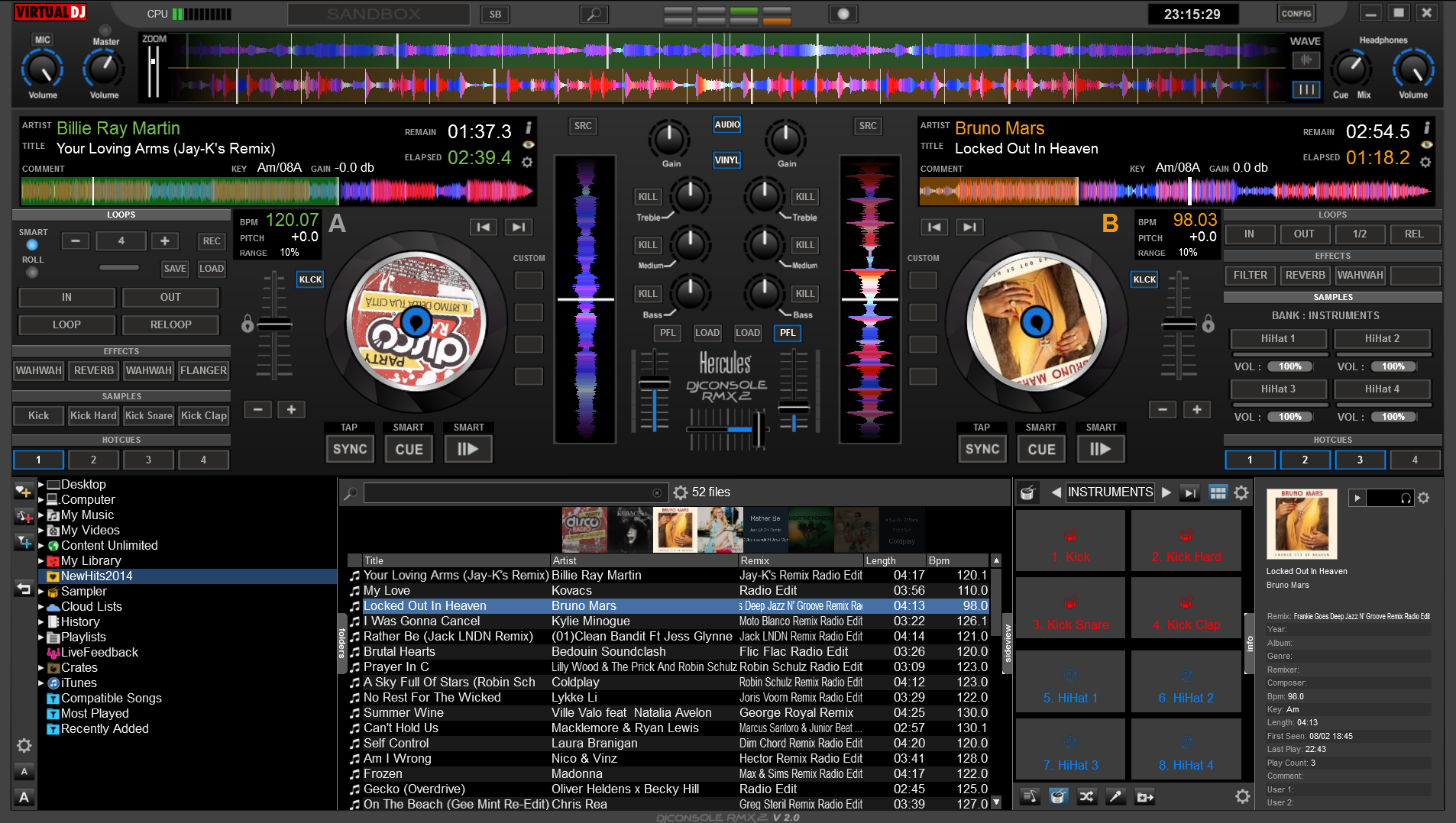
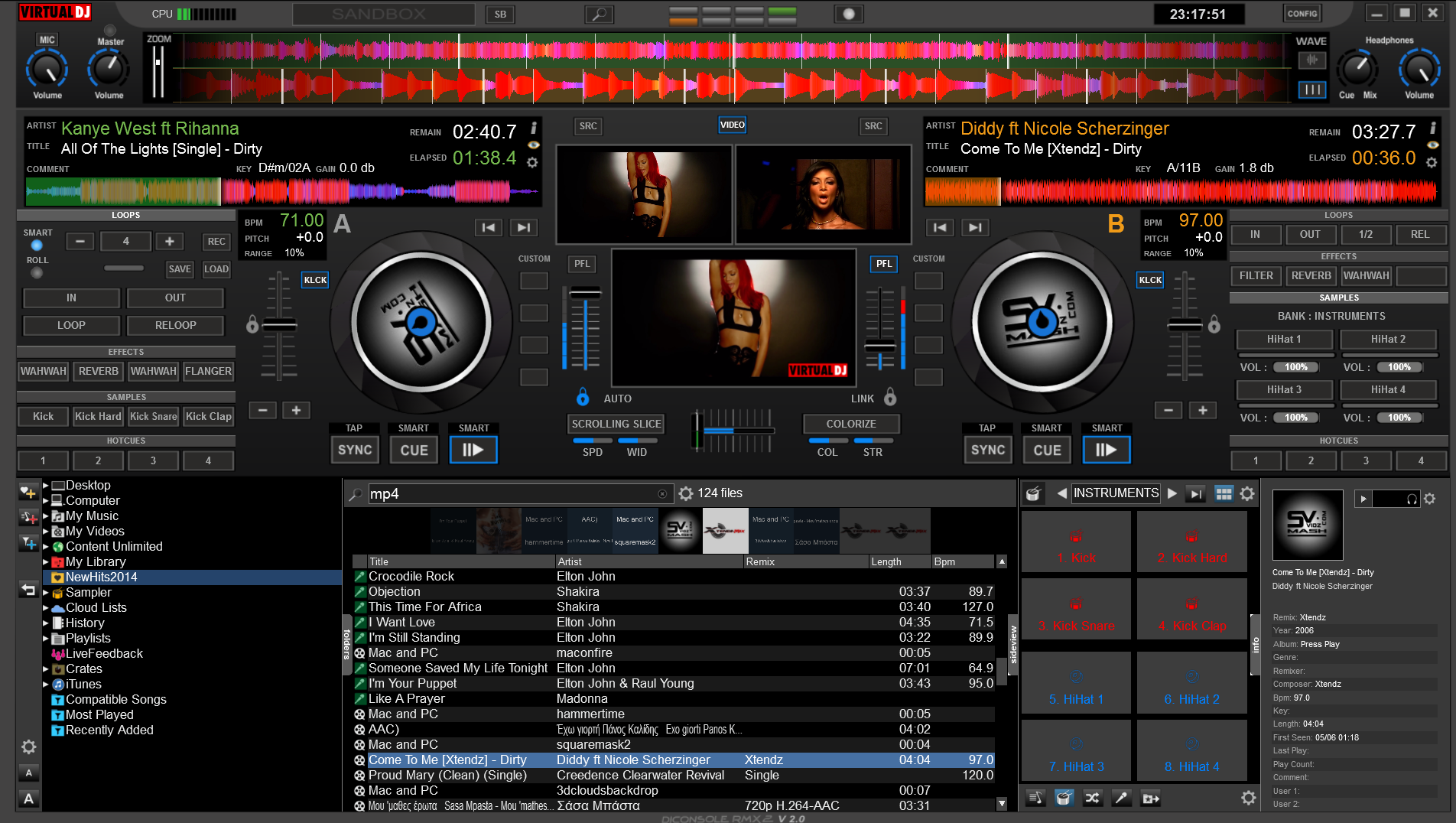
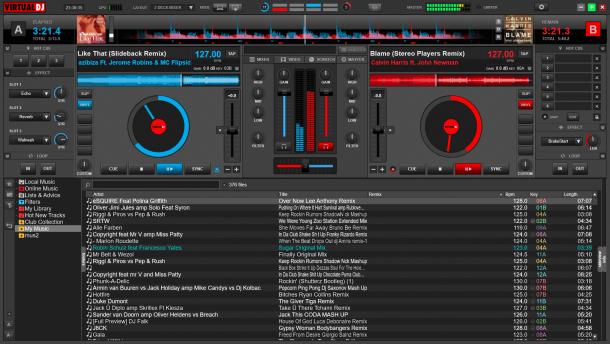
Nome: Advanced default by cioce (1024x768) Autore: cioce - Ultra-VIP Member - Aggiunto in data: Thu 02 Feb 06 @ 12:00 am Ultimo aggiornamento: Tue 17 Oct 06 @ 11:36 pm Downloads mensili: 10 Downloads totali: 8 980 La tua attuale licenza non permette lo scarico di Skins |
Basato su:
Descrizione:
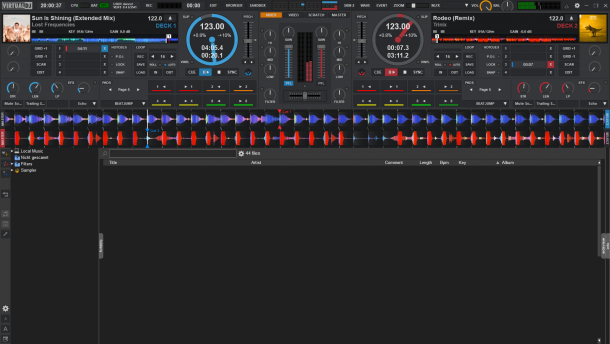
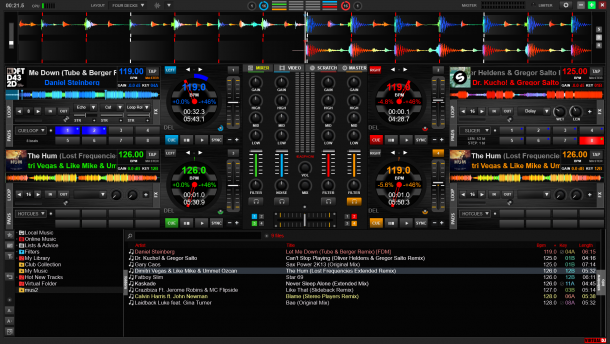
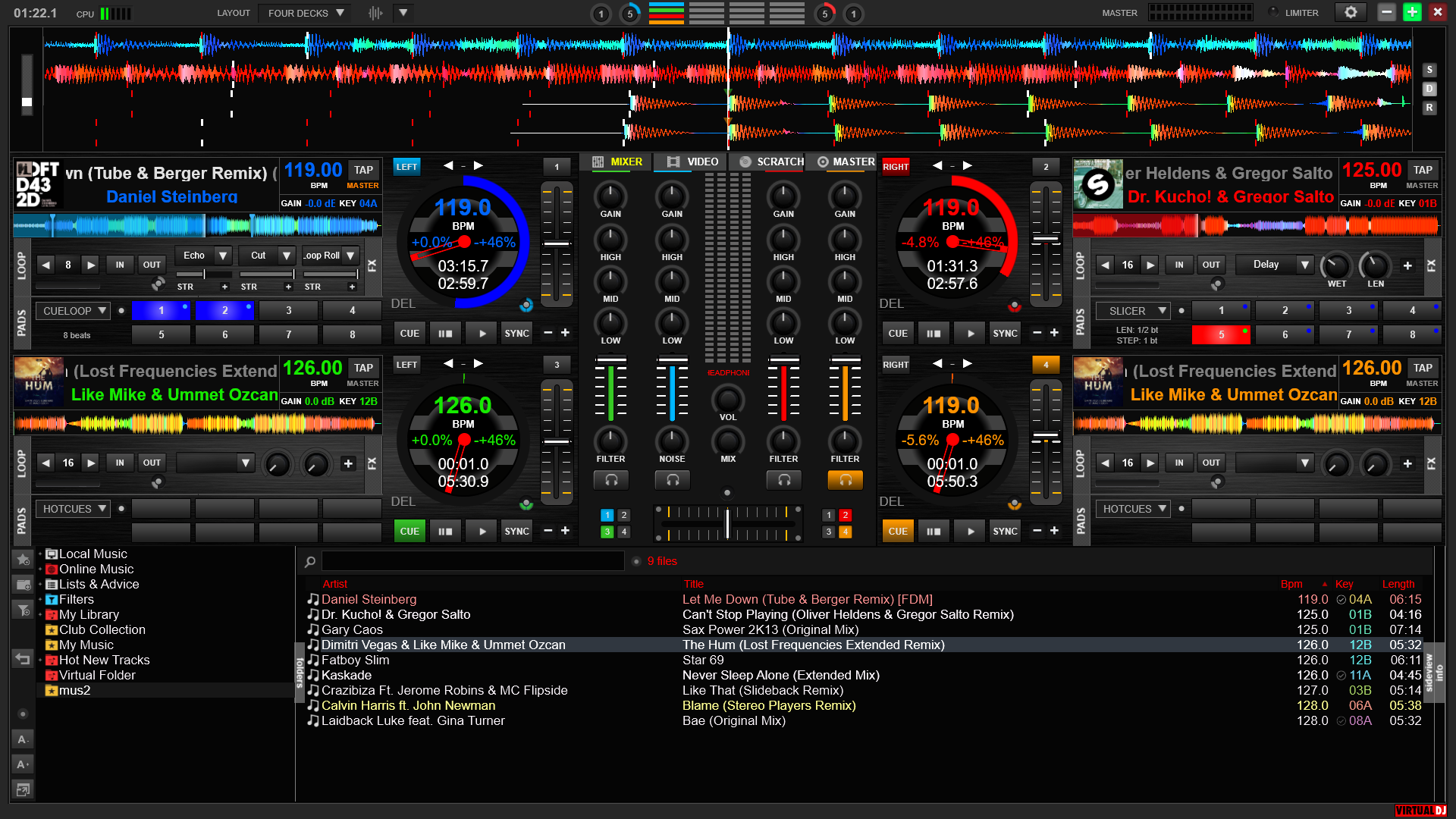
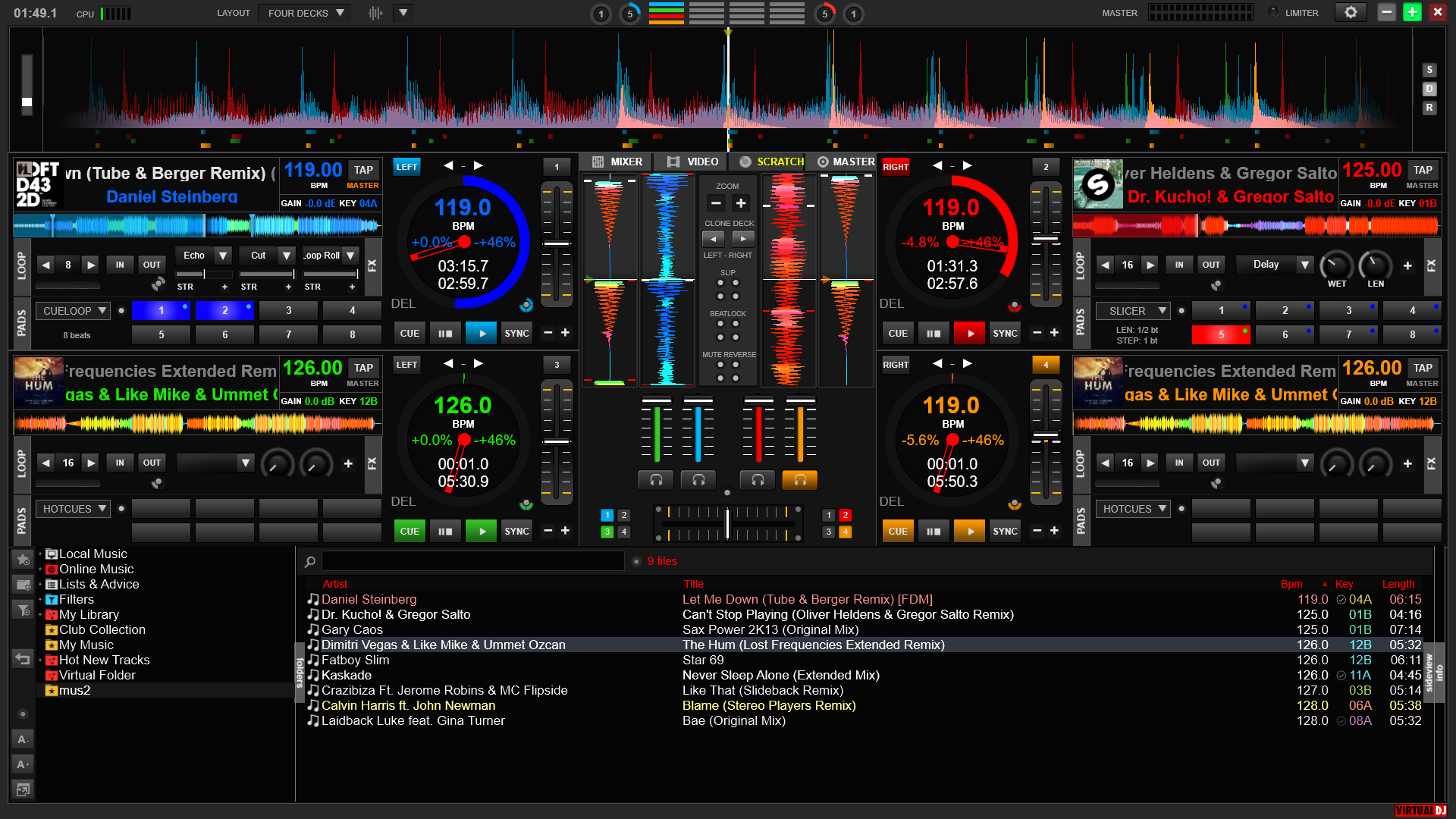
Clock and counter divided in two different top positions - Blue tooltip indicator on every generic button and yellow on the pitch Wave zoom slide CBG shift buttons - Double gain and volume sliders, you can choose both or only volume or only gain for each player - Double time indicator, from start to end or to start & from end of the beats near the turntable and switched by click on - Another time indicator for spent (green) & left (red default) time fix near reberse (R) button - Nudge / scratch buttons on the turntable for mouse and/or console Key lock on/off buttons on the turntable - Clone deck buttons in the mixer - Red Fx, yellow Cue and green loop buttons colors like DJ console leds, now remoted in the skin, to switch use the triangle button of the Console - 5 central panels (audio, video, sample, Fx & panel setup) selected via central buttons -
Audio with standard crossfader equalizator -
Video with: Video window open/close button - auto - only A - A+B - only B - Fx on/off button with regolation bar -
Sample with: on/off buttons and indication Selector for sample Rec loop into a sample Save as for Rec loop sample -
Fx with: on/off buttons and indication Selector for Fx - 5 slider for any Fx
Panel setup with: - New Sync button function or old like version 3.4 selection Invert Pitch/Volume button for DJ console - Double level-visuals displayed, you can choose "position of slider" or "output level" inverted - Virtual DJ or VDJ discs with | (vertical line) good to find the position of the disc in scratch mode and two head arm color - 5 different crossfader curve selections Master tempo on/off (MT) - Time Code active (TC), By-pass (X) and Unload buttons (U) for deck A & B. All the buttons + & - | < & > | << & >> make the double value of the original function if are pressed with right click of the mouse.
Reference skin forum <a href=http://www.virtualdj.com/forums/45920/Skins/Advanced_default_by_cioce_(1024x768).html>link</a>