Skins |
Effects |
Video Effects |
Tools |
Languages |
Samples |
Grafx |
![]() |
Nome: CUE RMX by cioce variations Autore: cioce - Moderator - Aggiunto in data: Wed 21 Mar 07 @ 12:00 am Ultimo aggiornamento: Mon 02 Jun 08 @ 11:42 am Num. di downloads: 12627 La tua attuale licenza non permette lo scarico di Skins |
variazioni:
Descrizione:
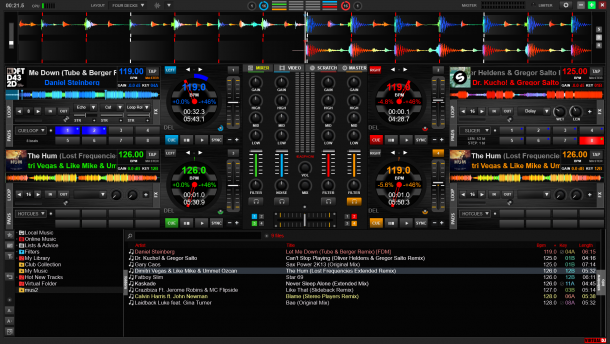
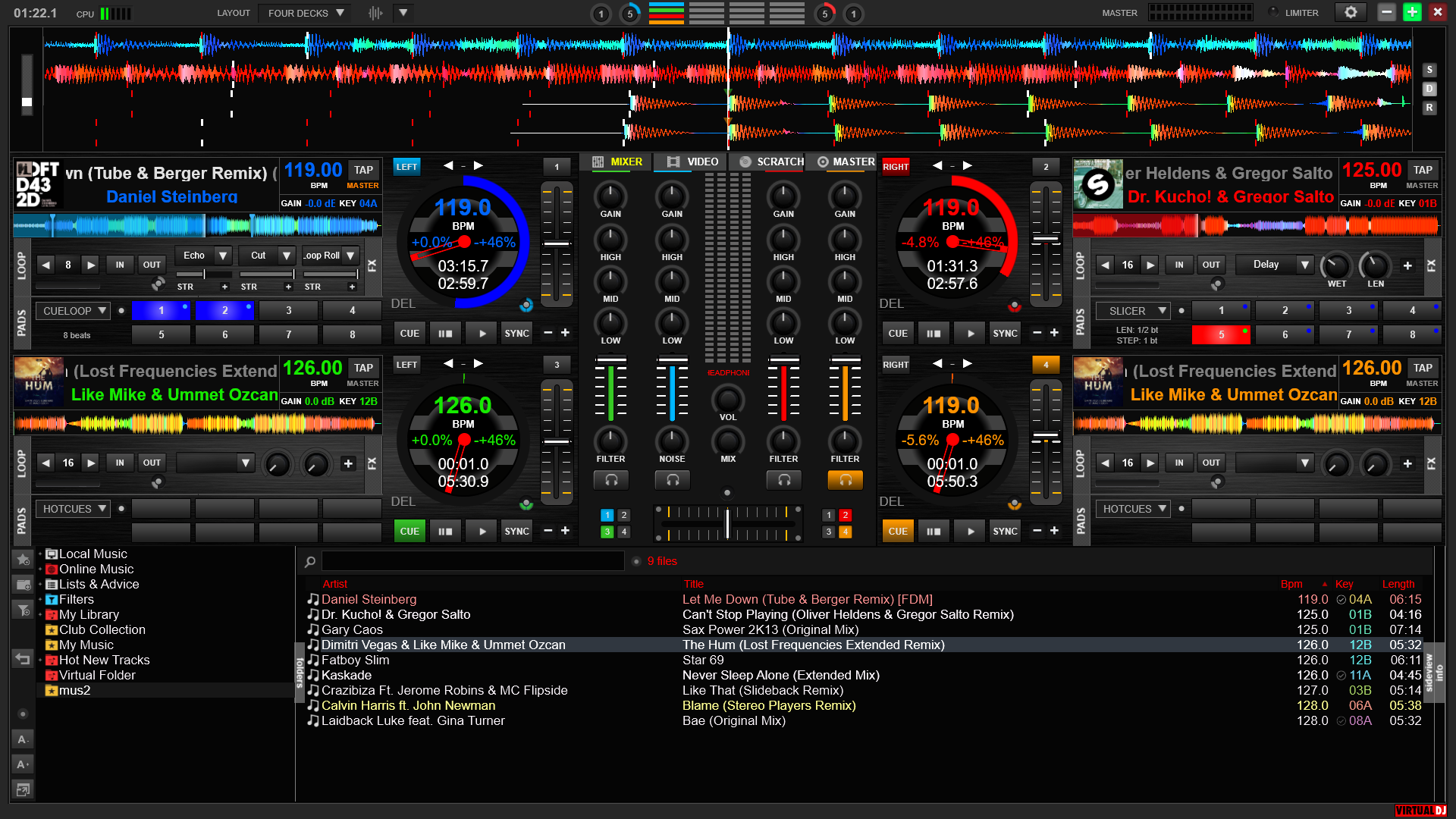
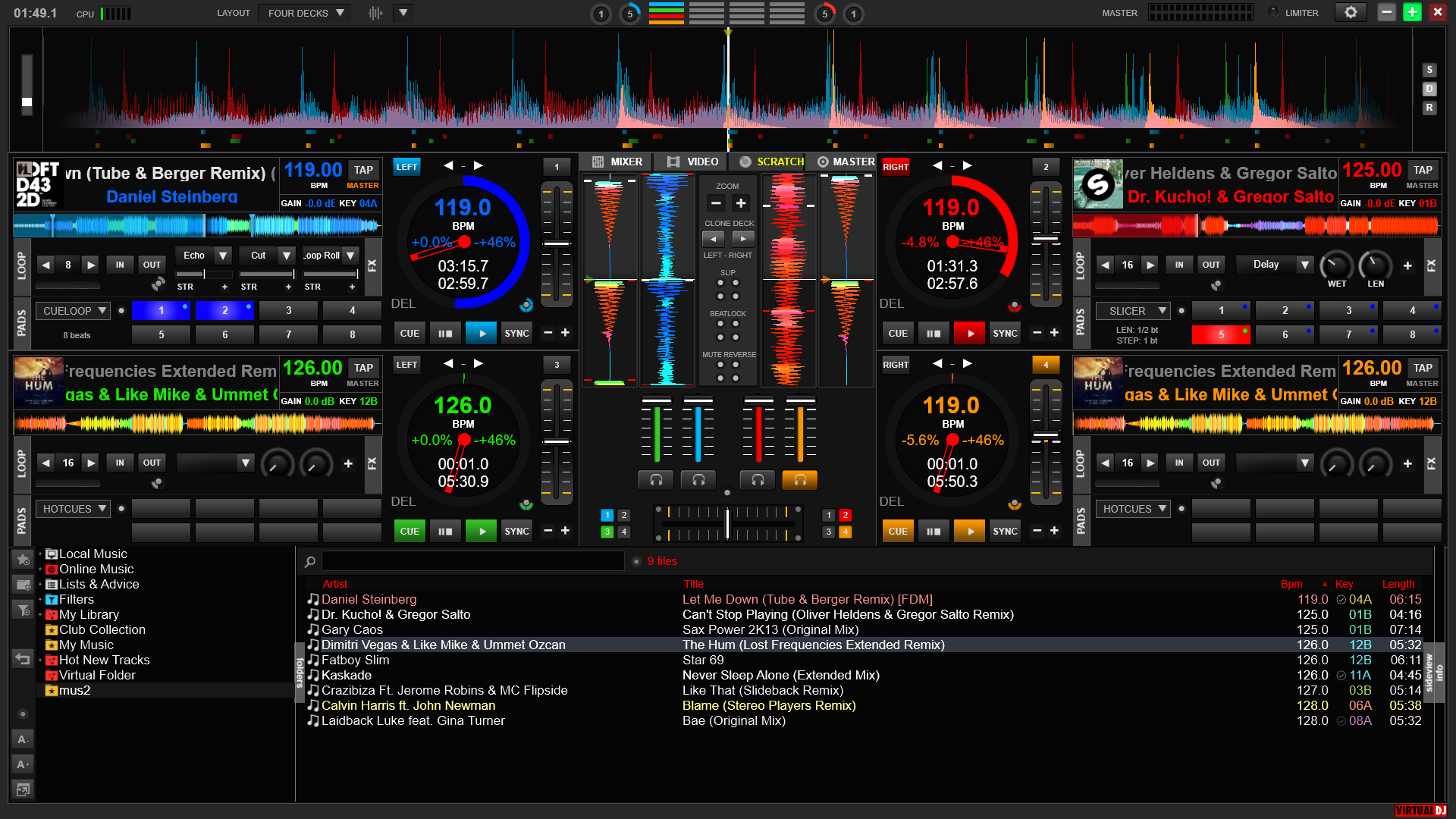
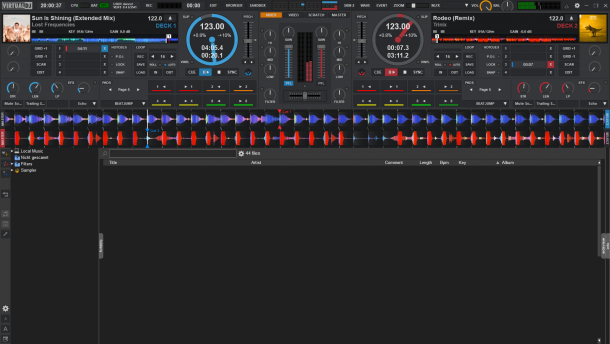
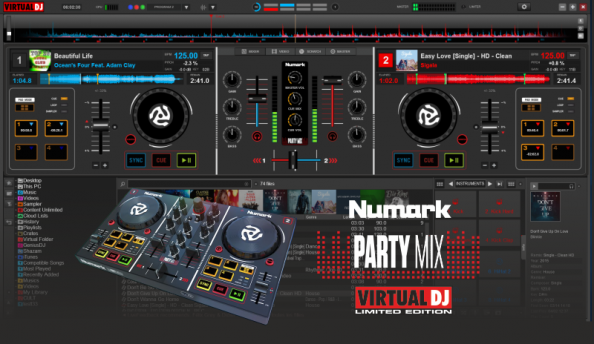
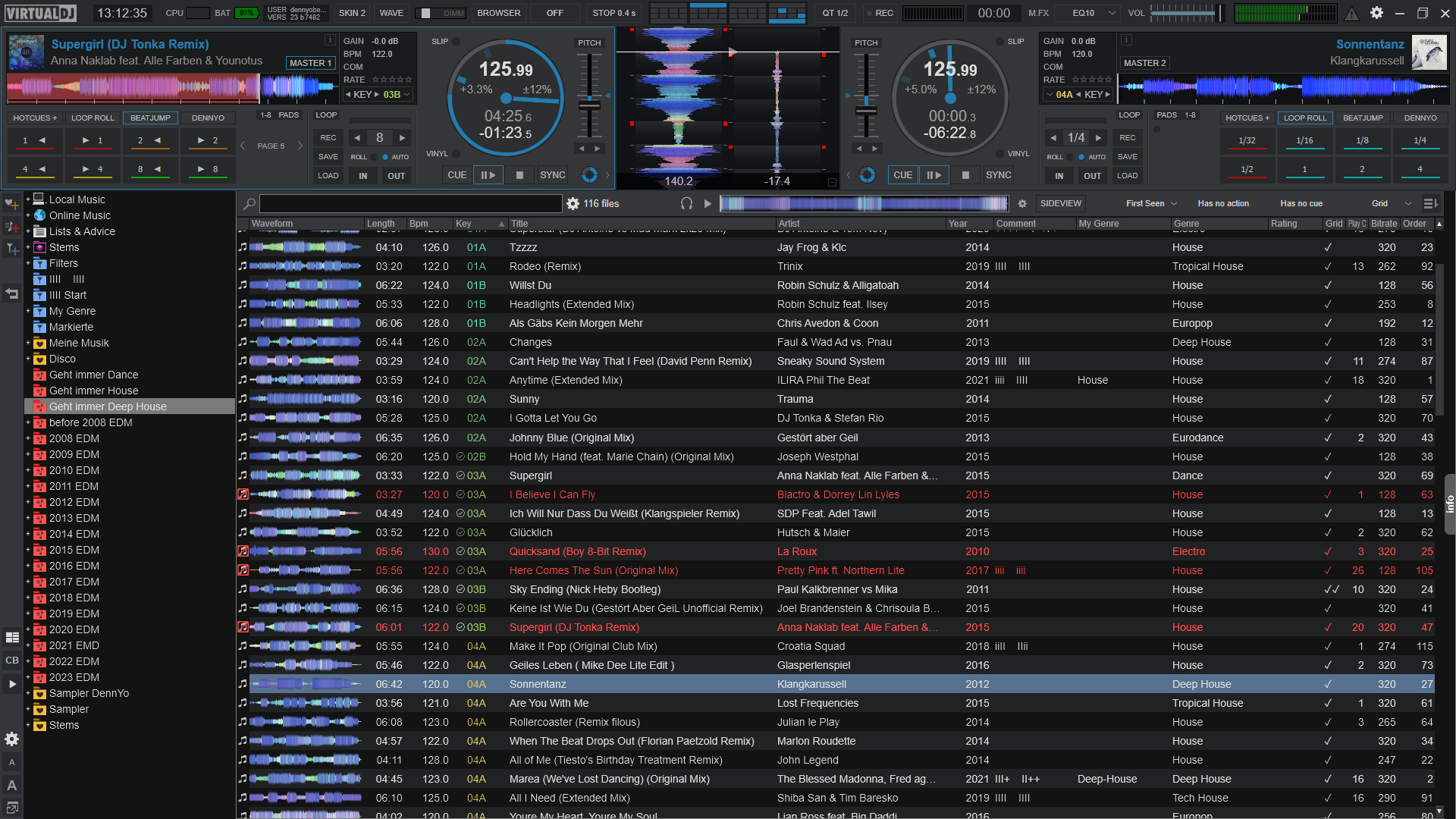
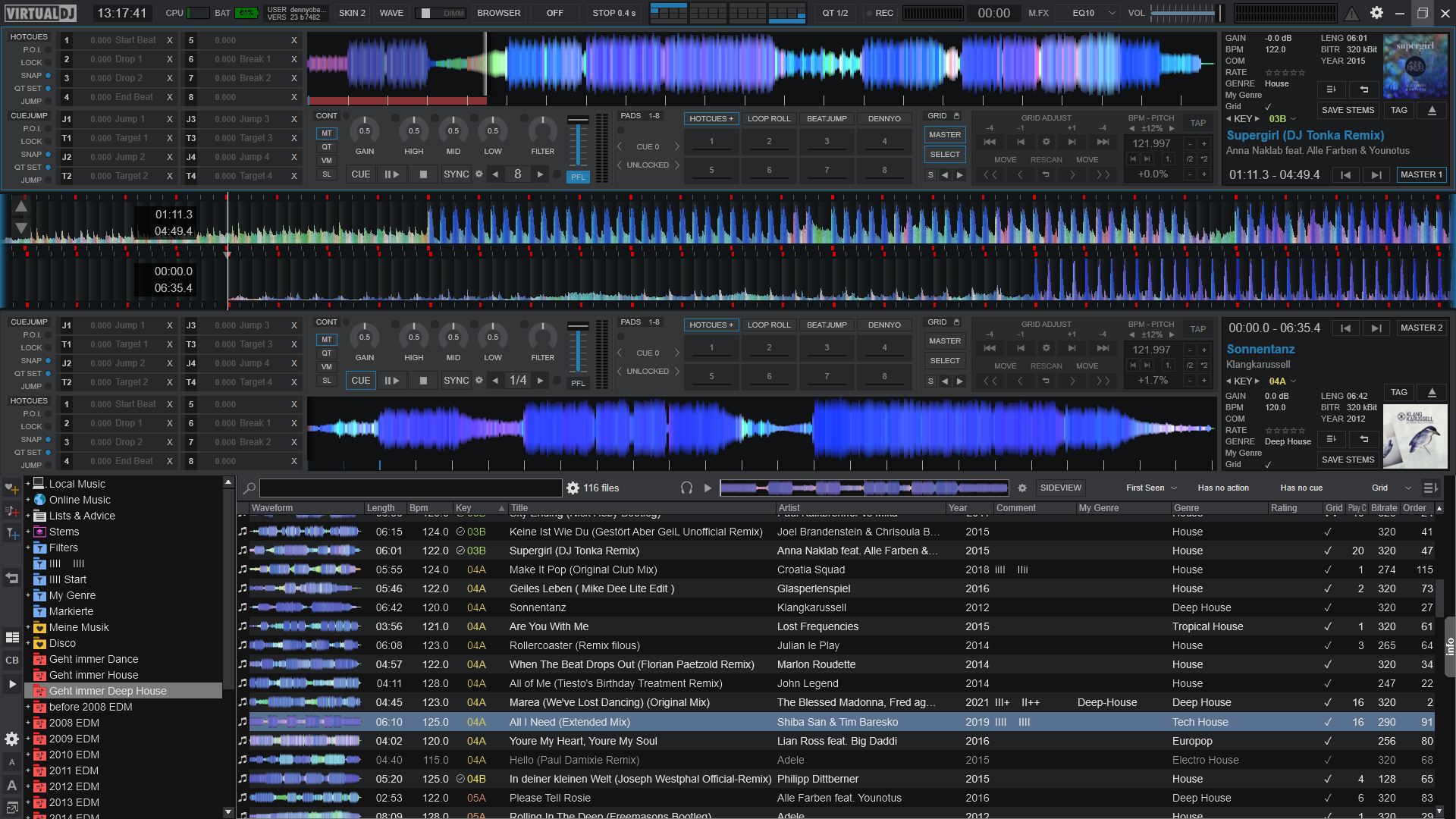
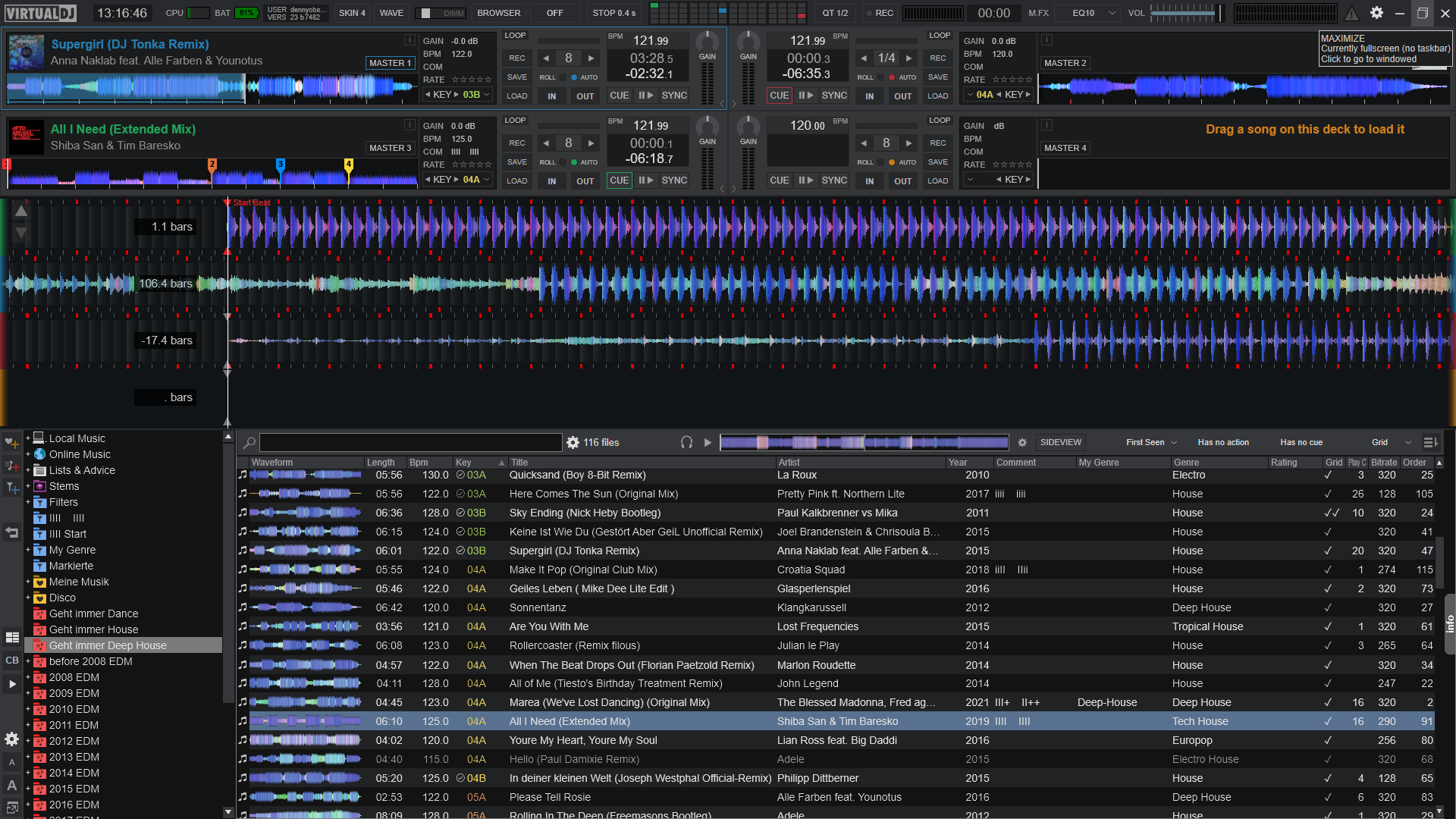
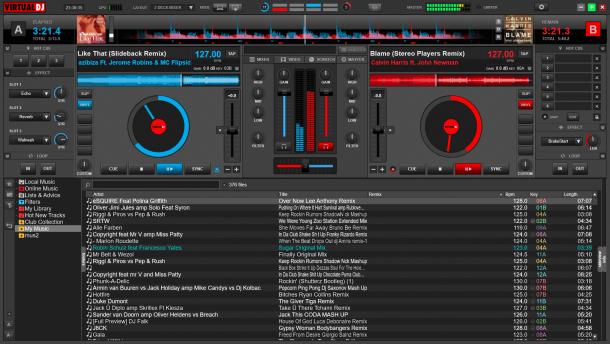
Here a good mix of the original Numark Cue internal mixer & video skins but now in widescreen size and with Audio & Video central panel.
Attention: It's required Virtual DJ or Numark CUE/VV 6.0.5 and next versions.
v2.3
- New Hot Cue buttons where now it's indicated the time to the Xth cue / time from the Xth cue / Cue Name, right click on text it edit the Xth cue name
- New Key knobs with relative Key info, you can switch between Key modified and original key just click on the key text indication
- New Skip one Beat in multibuttons, it will help when sync take one beat before or after
- Pitch bend in pause make seek -+100ms, right click remain Pitch Range -+1
- Tooltip added on more buttons (left click / right click / double click or hold on right click)
- Right click on button config it open directly the timecode config windows
- Unload button changed with Reverse (Right click on button it make Reverse temporary)
- Right click on button Select (the Big 1-2) it make Unload, double click it select and unload
- New long timecode signal indicator
- Right click on timecode button it activate bypass and blink when activated
- Right click on track title text it edit the comment, switch from "Artist - Title" to song "Full time / Key Original & (Mod) / Camelot / Comment" just click on the text song with left click obliously remain
v2.2
- Full screen mode now indicated
- New gain knob actions, right click match gain with other deck and double click it reset to the original 0dB
- New central Wave shine colors
v2.1
- New central "Wave" Pannel
- New "Smart Scratch" buttons in Wave Pannel, right click on it make action "Dump"
- New sampler half-double buttons, right click on it enable/disable sample loop
- Right click on sampler selection arrow now show sampler options
- Right click on Loop < > arrows now make loop_length 50% and loop_length 200% (Not limited to 32 beats)
v2.0
- Virtual DJ 6 code compatible
- Crossfader curve updated for Virtual DJ 6 and new Crossfader Hamster (X) added
- Master vumeter
- Cue point visual in wave little bit modified
- New headphone gain button, just left click on headphone icon on top and headphone gain will be +4%, right click -4% and double click it reset to original gain
- Song wave frame now blink before the end of the track
- Right click on TimeCode ghost buttons now make bypass of the timecode
- Right click on unload buttons now play the song backward (reverse)
- Right click on pitch bend buttons now change pitch range
- New Pitch / Pitch range info just click on the deck pitch text
v1.9 (only 1024x600)
- Better visualizzation for Active deck
v1.8
- Single or Double top waves option
- New smart_cue and smart_play buttons
- TimeCode buttons automatic appear only if TimeCode are in use
v1.7
- Better visualization of top and deck waves
- New automix_skip button
- New fadetoblack video button to enable/disable fade-to-black function on volume faders
- MAC skins font problem fixed in 1280x800 & 1280x1024 resolutions (Thanks to spinnaJ)
v1.6
- Now BPM Buttons is new Beat Tap buttons, with right click is old Edit BPM
- New Master Balance knob
- New text status info up to Master Balance knob
- New Pitch Range selection, left click scroll +/- default pitch range & right click change +/- 2
- New multibuttons fot Hot/Set 6 CUEs - Time Code Active/Bypass - Deck Skip/Seek/Key/Cbg/Clone/Clone no pitch/Reverse
- New function to switch from "Artist - Title" to song "Full time / Key Original & (Mod) / Camelot / Comment" just click on the text song
- New text BPM with 1 or 2 digits after dot just click on the bpm text
v1.5
- New look and new position for Pitch bend buttons
- Play stutter new draw added
- New function to switch from Artist - Title to song Full time & Comment just click on the text song
v1.4
- Modified area of reset Eq buttons
- New Top central Grids
- New automix button with progression of the automix on it
v1.3
- New striped browser like VDJ/Cue 5
- Automix button still remains like old VDJ/Cue 4 skins
- Modified skip 4 beat on < > and 8 beat with right click on it
- Modified pitch bend +/- value like default skin
v1.2
- New skin name -> CUE RMX by cioce(1280x800).zip because is a numark mod
- Video crossfader LINK button light up when active
- New function to switch between gain for the output info (speakers) and gain for the analyzed song volume info just click on the gain text indication
v1.1
- New full time indication of the song > remain - elapsed - total
- New Sync-Beatmatch buttons
- New Clone Deck buttons
- New automix active icon color
- New Dj Console joggle scratch button -> DJC (S)
- Multi video fx selection (Right click turn off all fx)
- Cue Deck button change, now is cue_stop like default skins
v1.0
- New function to switch from Artist - Title to song Comment just click on the text song
- Double value function on pitch bend +|- buttons with right click
- Skip 1 beat on < > and 4 beat with right click on it