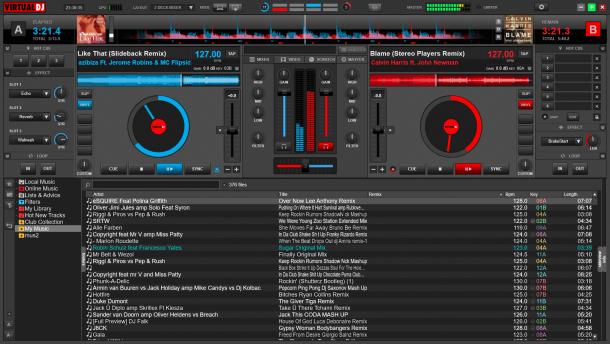
No full screen previews
The original skin from early version 8 release (VirtualDJ 8.01)
Available on : PC PC (32bit) Mac (Intel) Mac (Arm)


No full screen previews
The original skin from early version 8 release (VirtualDJ 8.01)
Available on : PC PC (32bit) Mac (Intel) Mac (Arm)
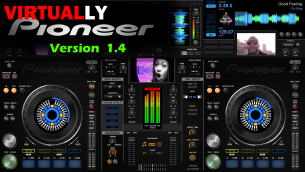
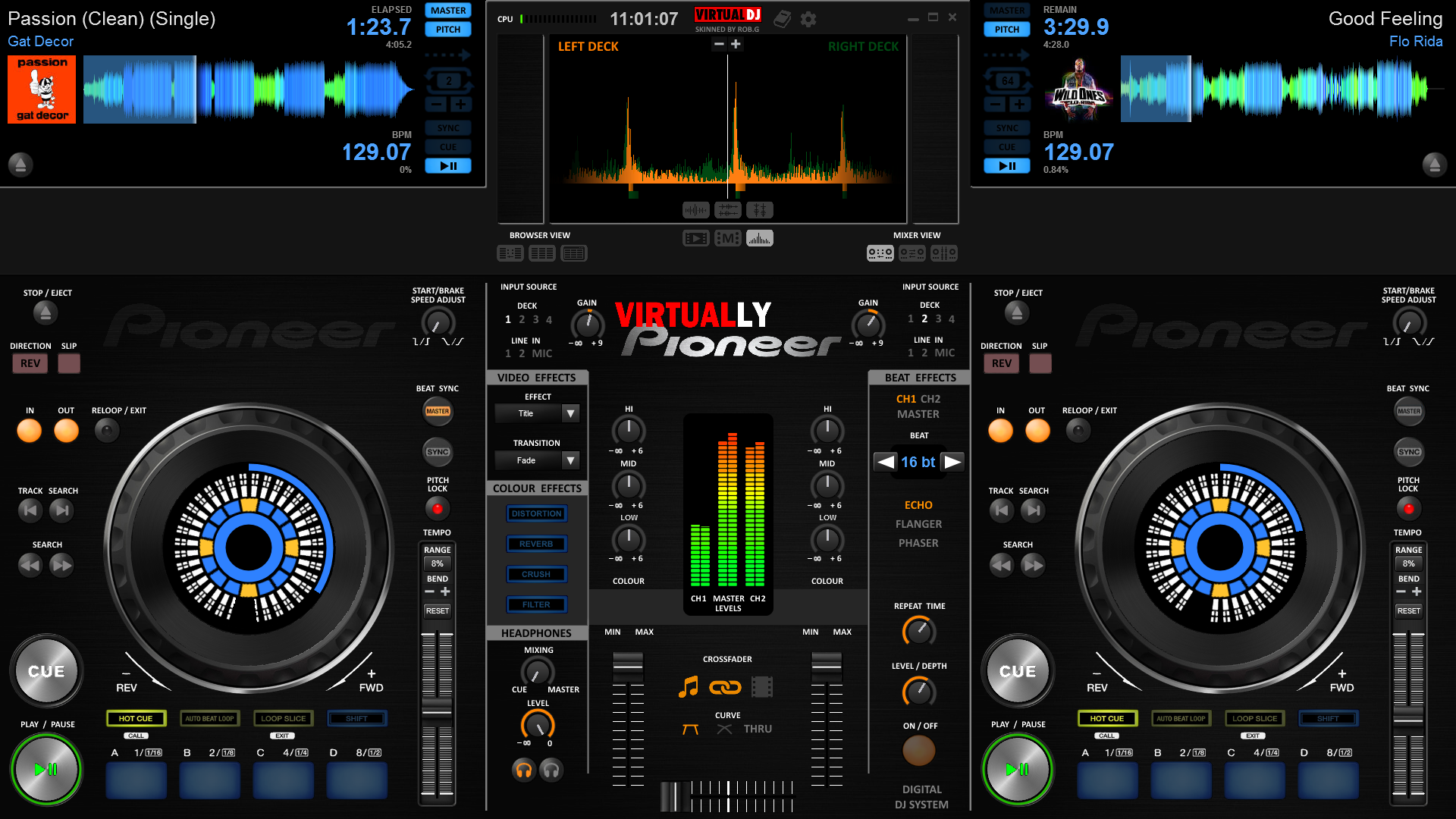
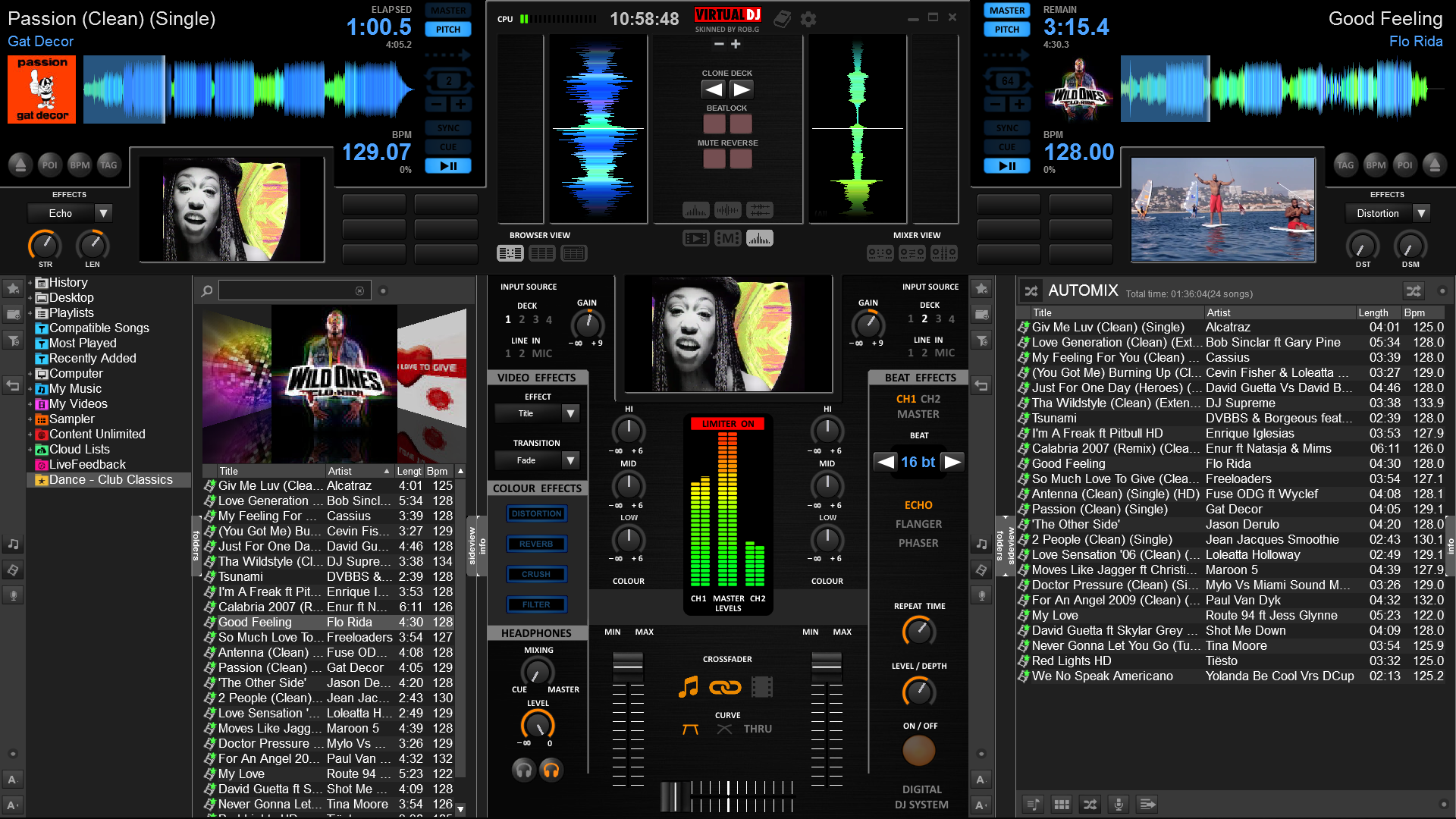
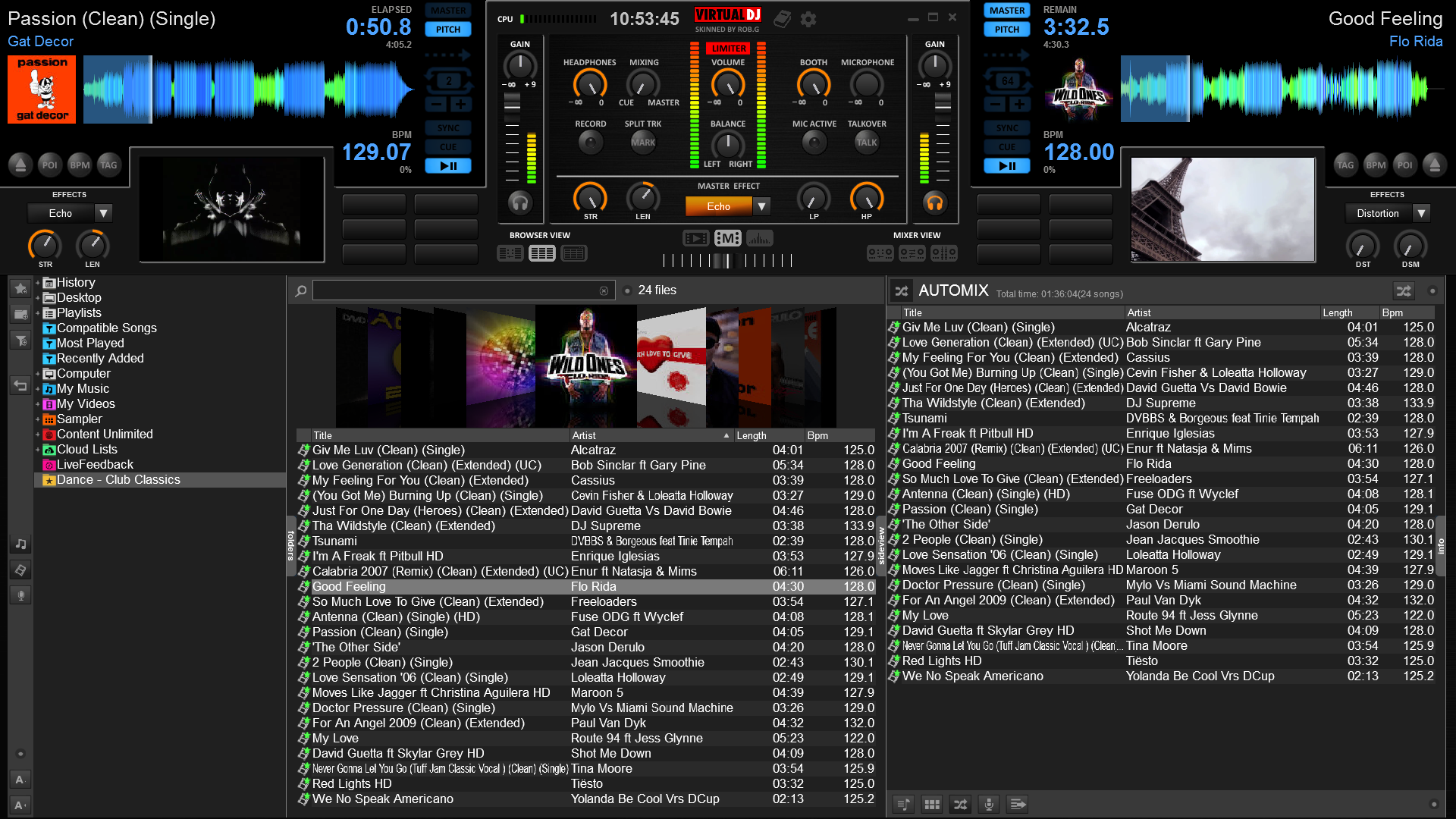
A Pioneer inspired skin that mimics traditional gear
Available on : PC PC (32bit) Mac (Intel) Mac (Arm)
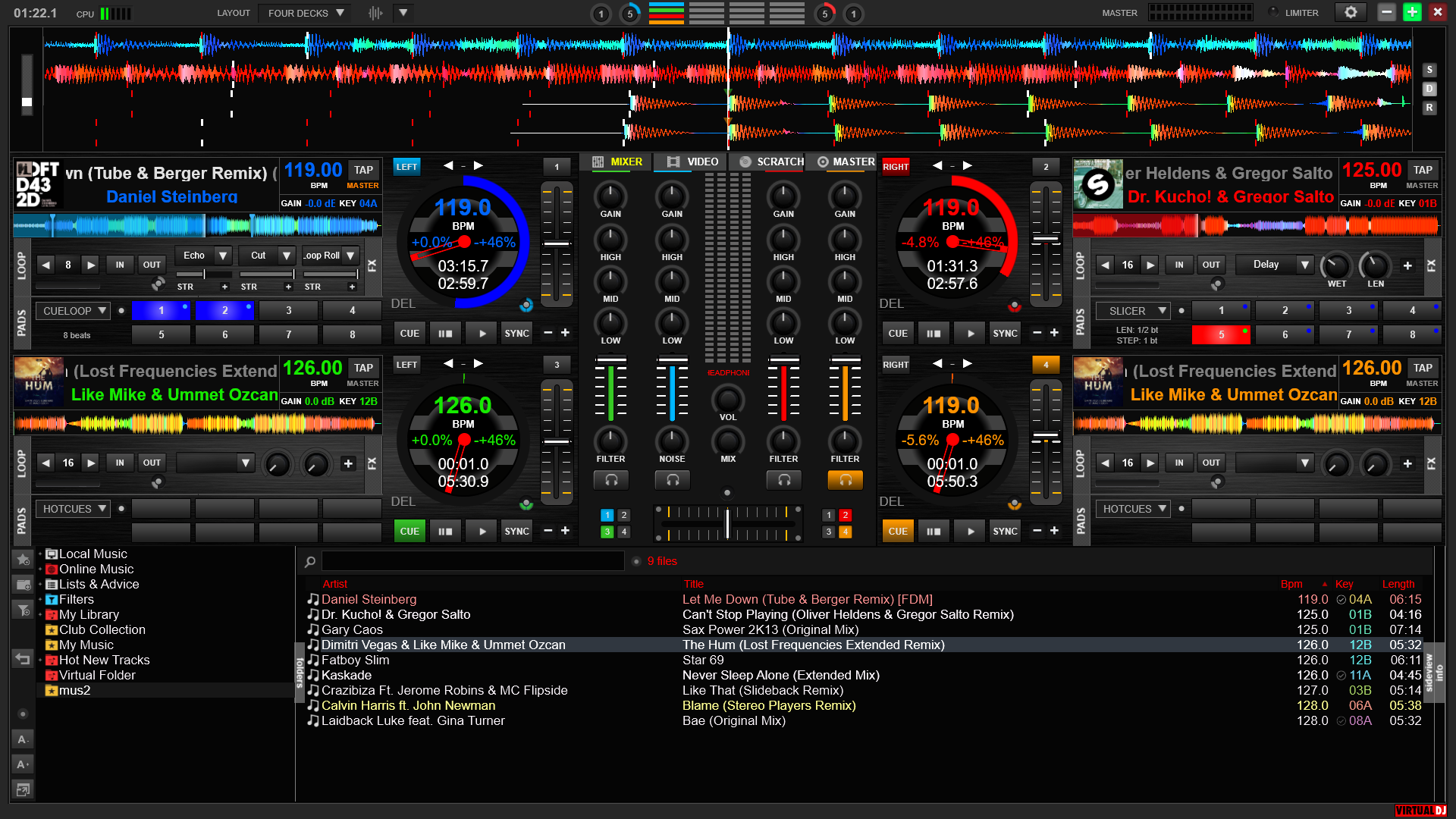
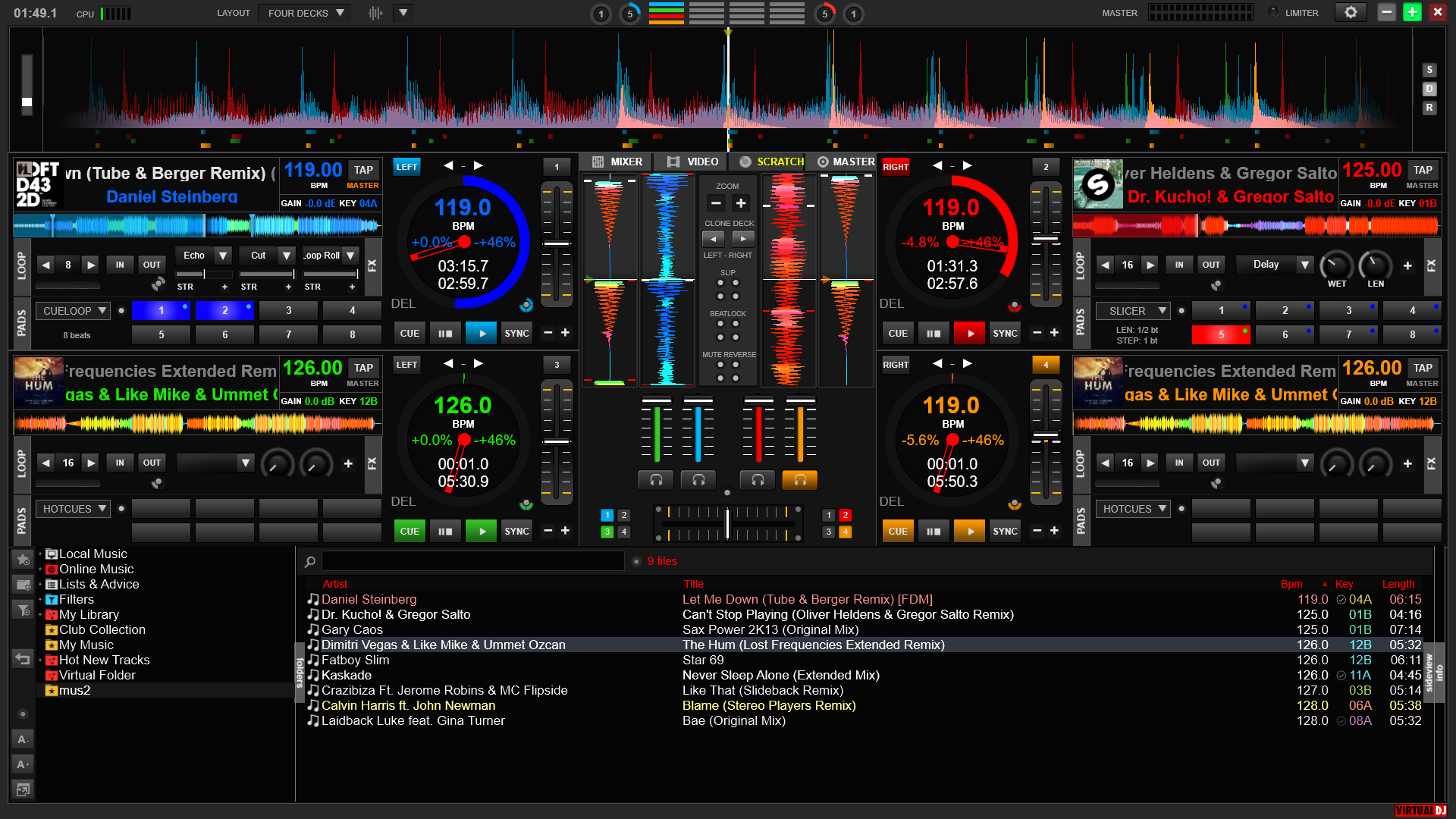
4 deck, black and brushed metal. Big waveforms. Based on VirtualDJ 8 (4 deck) + TeslaX mods
Available on : PC PC (32bit) Mac (Intel) Mac (Arm)
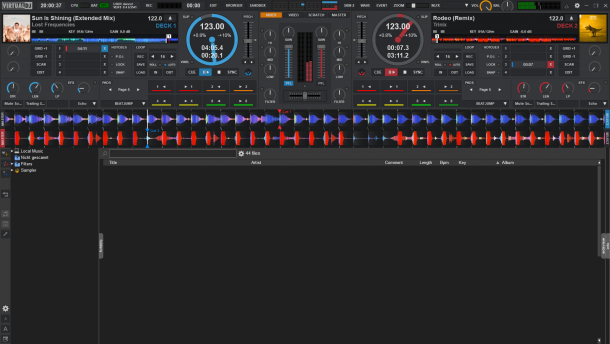
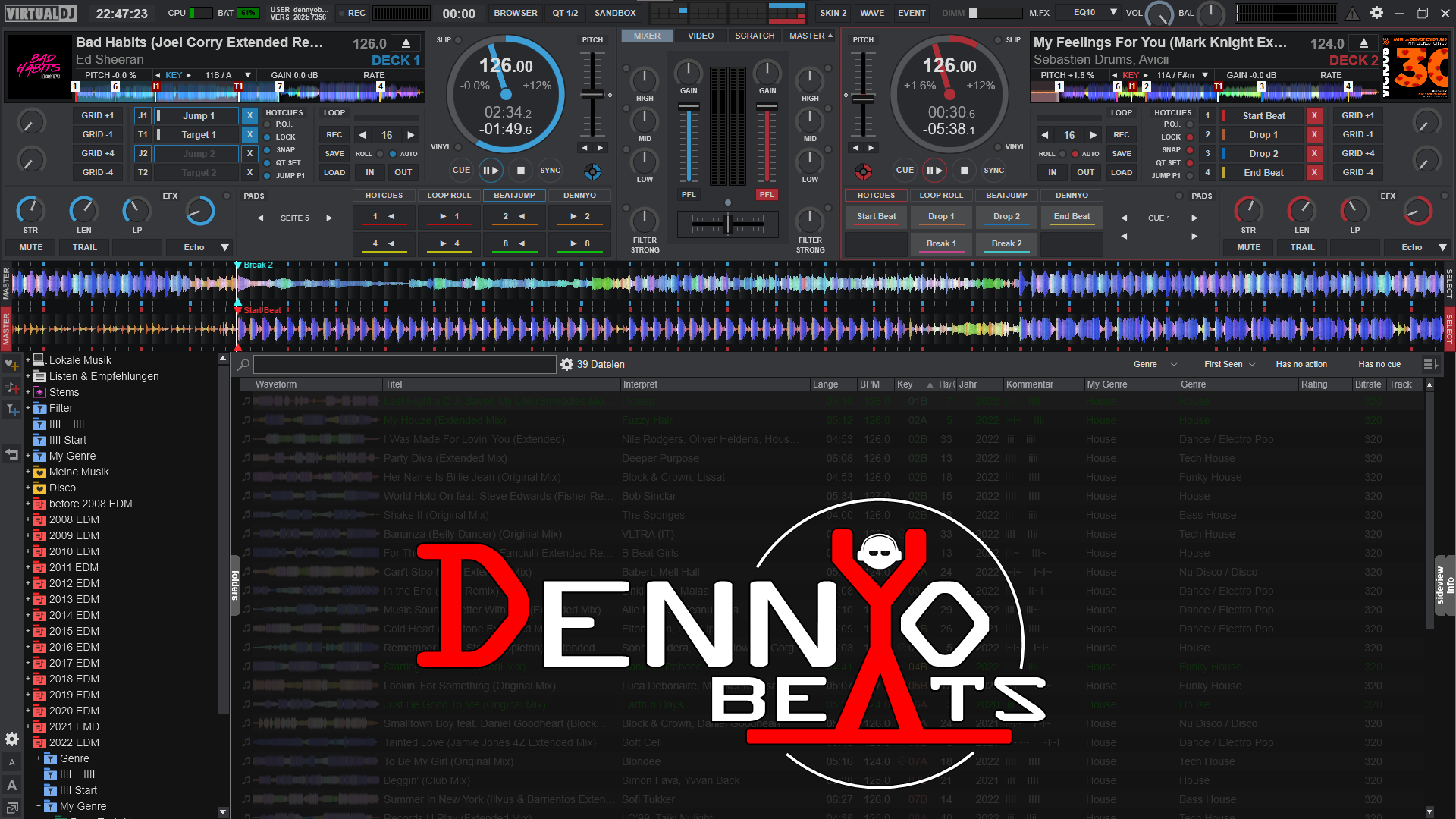
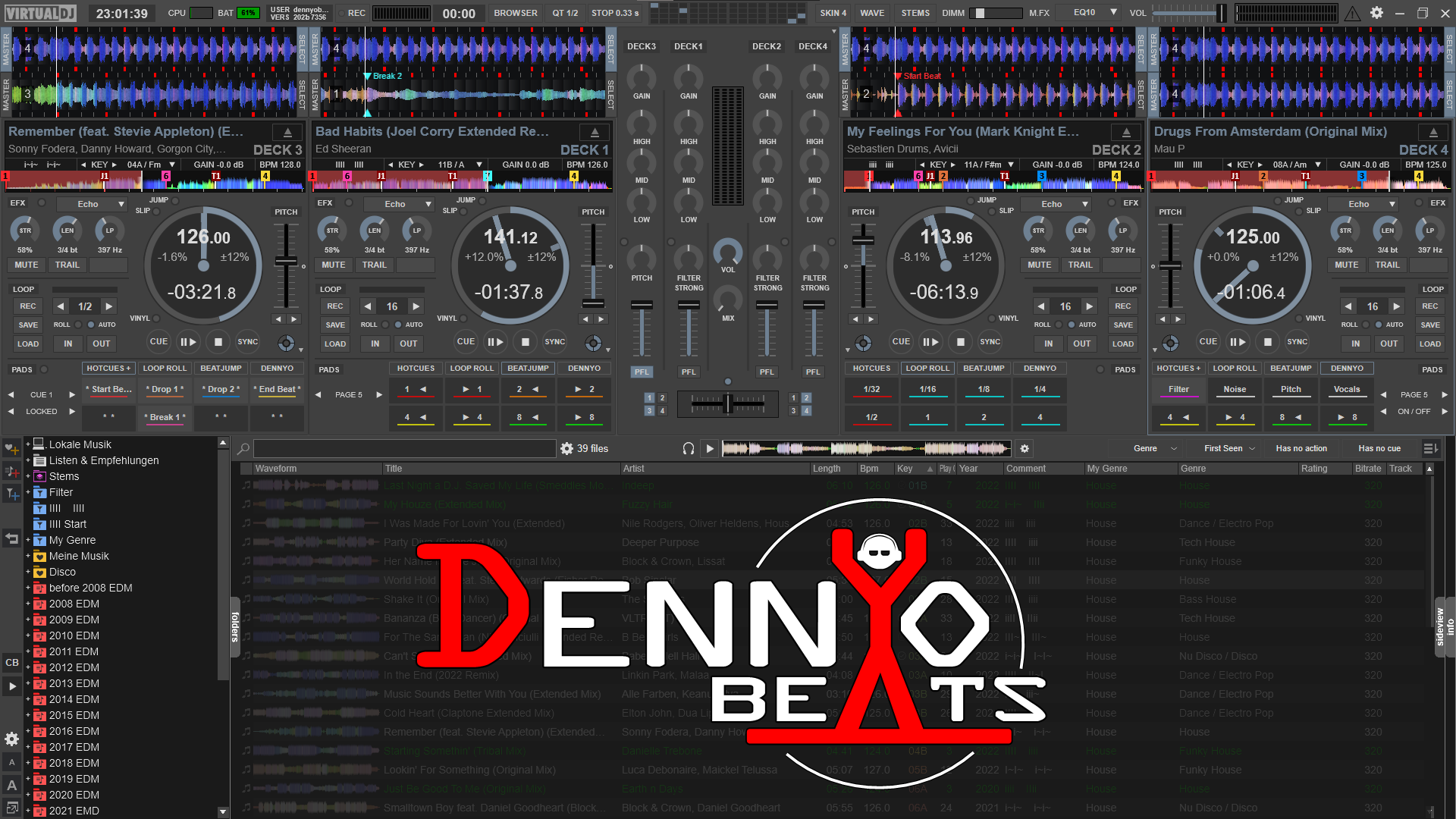
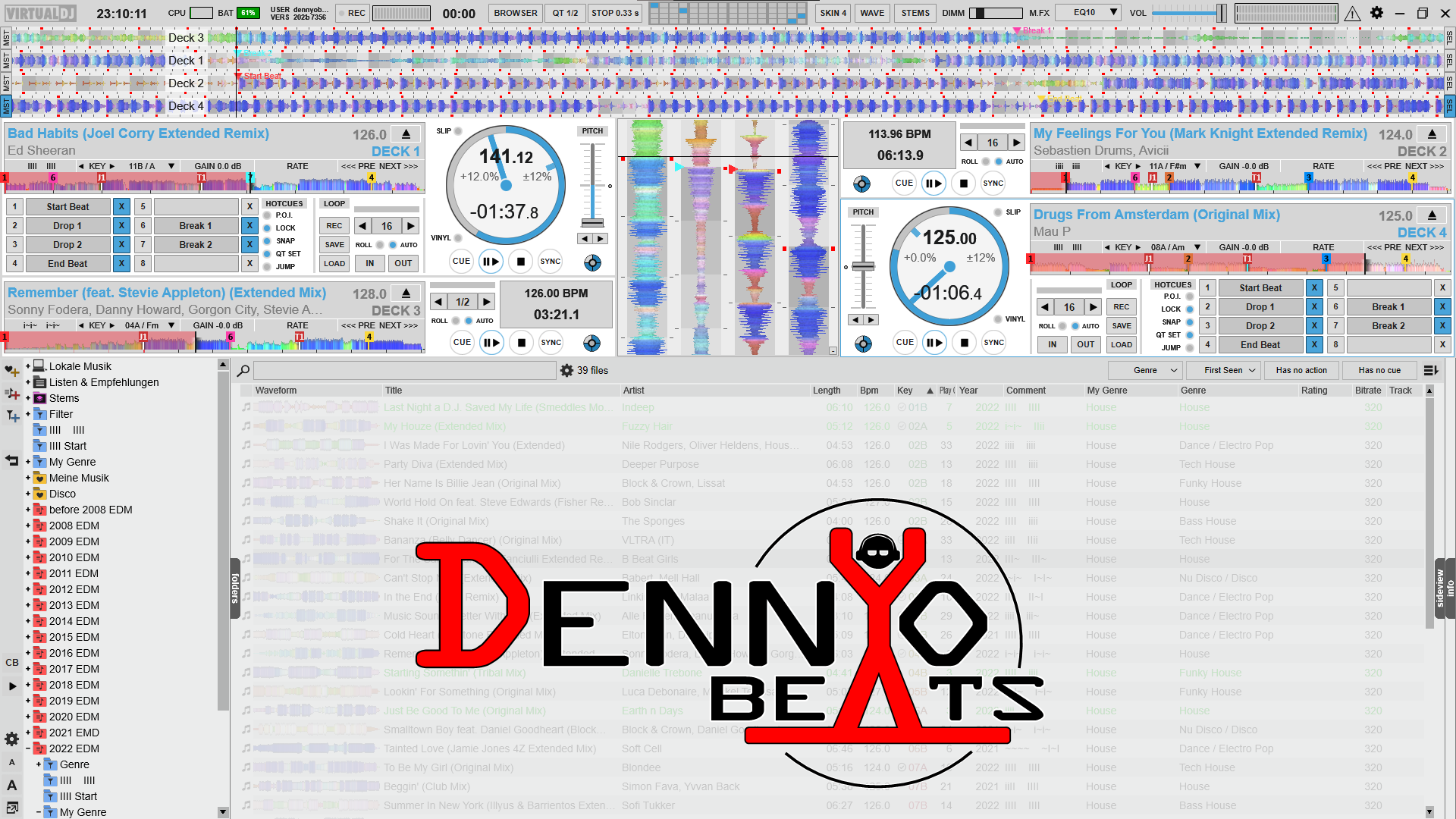
2 & 4 Deck Multi Skin with many customization options.
Available on : PC PC (32bit) Mac (Intel) Mac (Arm)
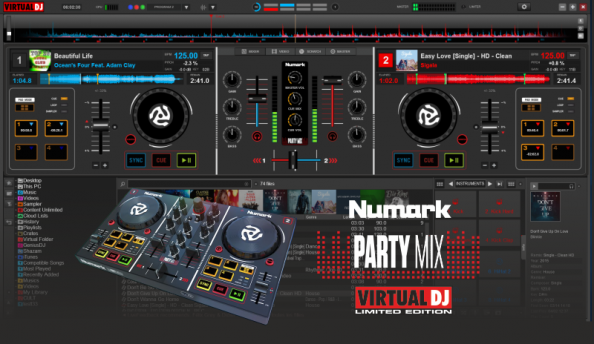
No full screen previews
Tailored skin for the Numark PartyMix. The same skin is installed with the VirtualDJ Limited Edition.
Available on : PC PC (32bit) Mac (Intel) Mac (Arm)
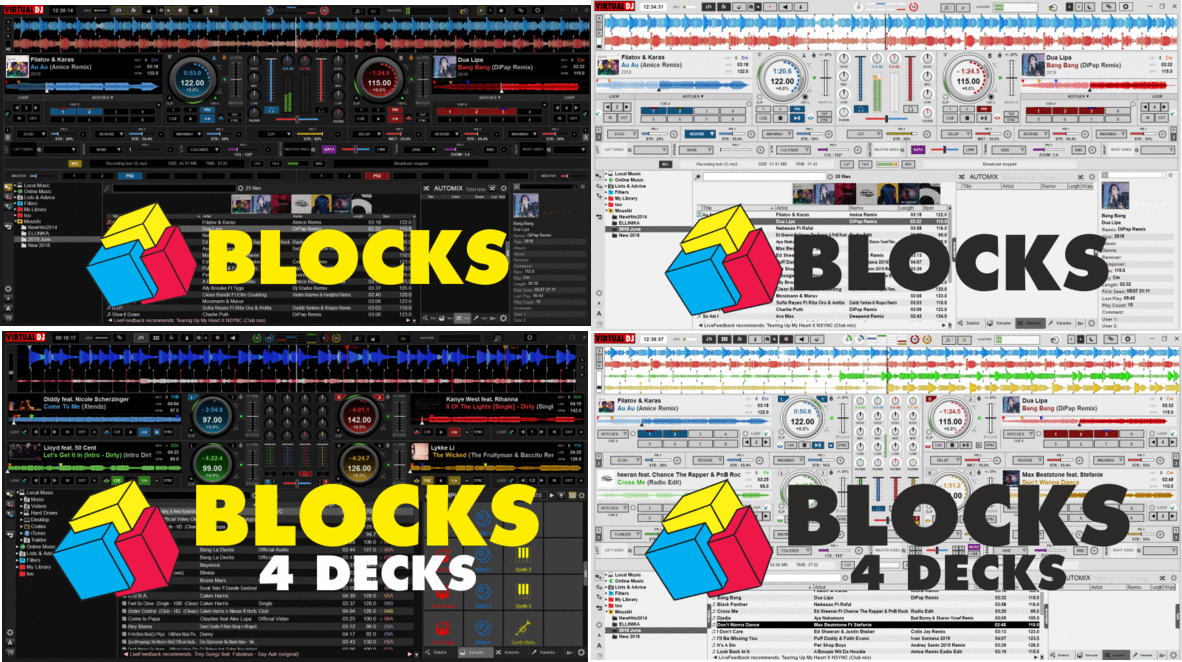
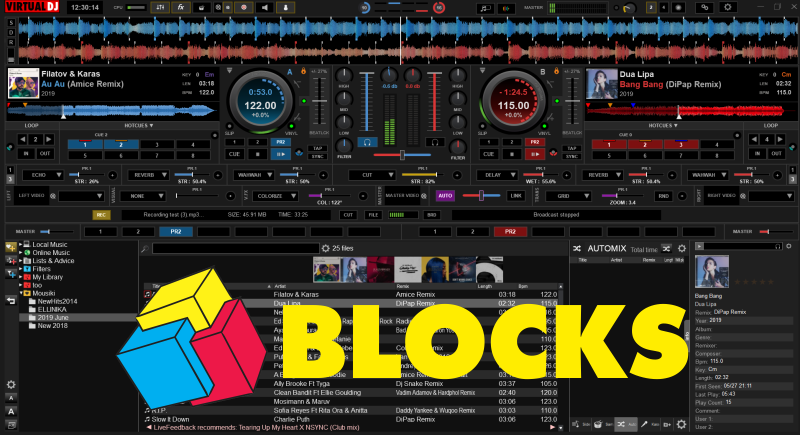
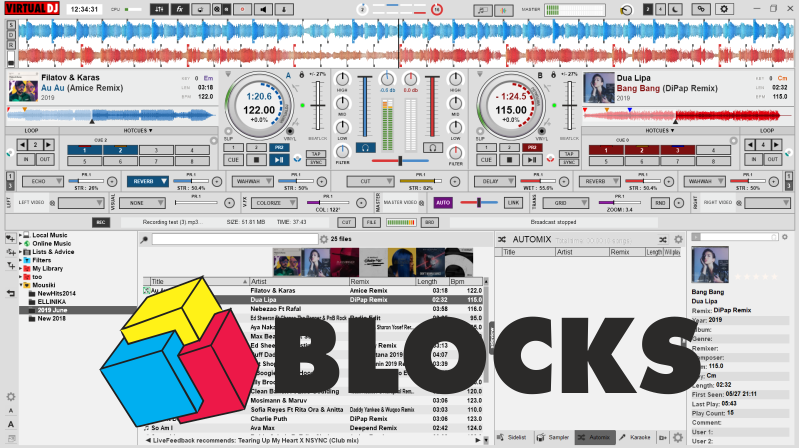
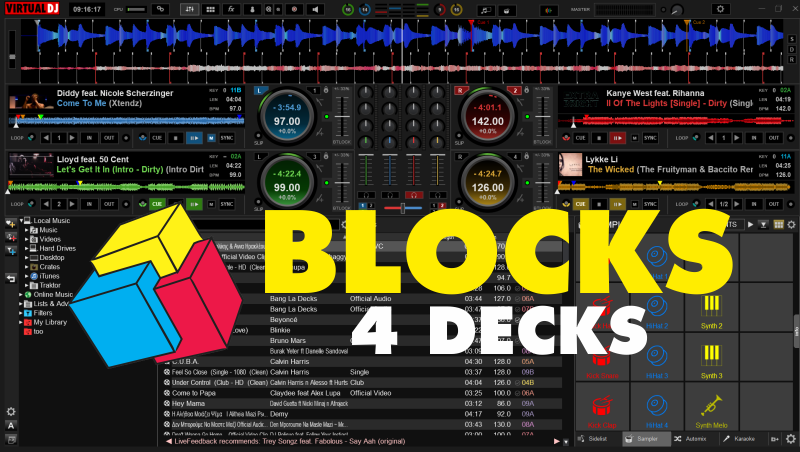
2 ,4, 6 or Single Decks skins with block panels. Detachable Browser, Custom Icons.
Available on : PC PC (32bit) Mac (Intel) Mac (Arm)


Multi Purpose Skin, suitable for controllers like Rane Four, Pioneer Dj DDJ-FLX10, AlphaTheta XDJ-AZ and others..
Available on : PC PC (32bit) Mac (Intel) Mac (Arm)
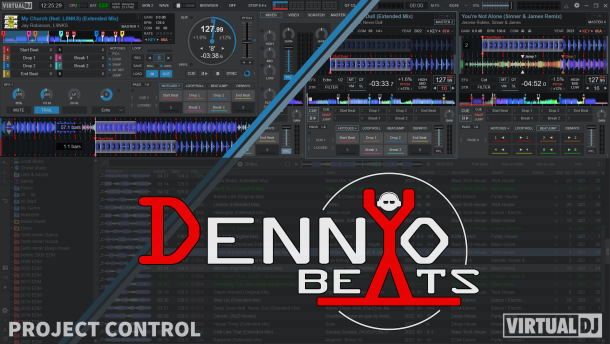
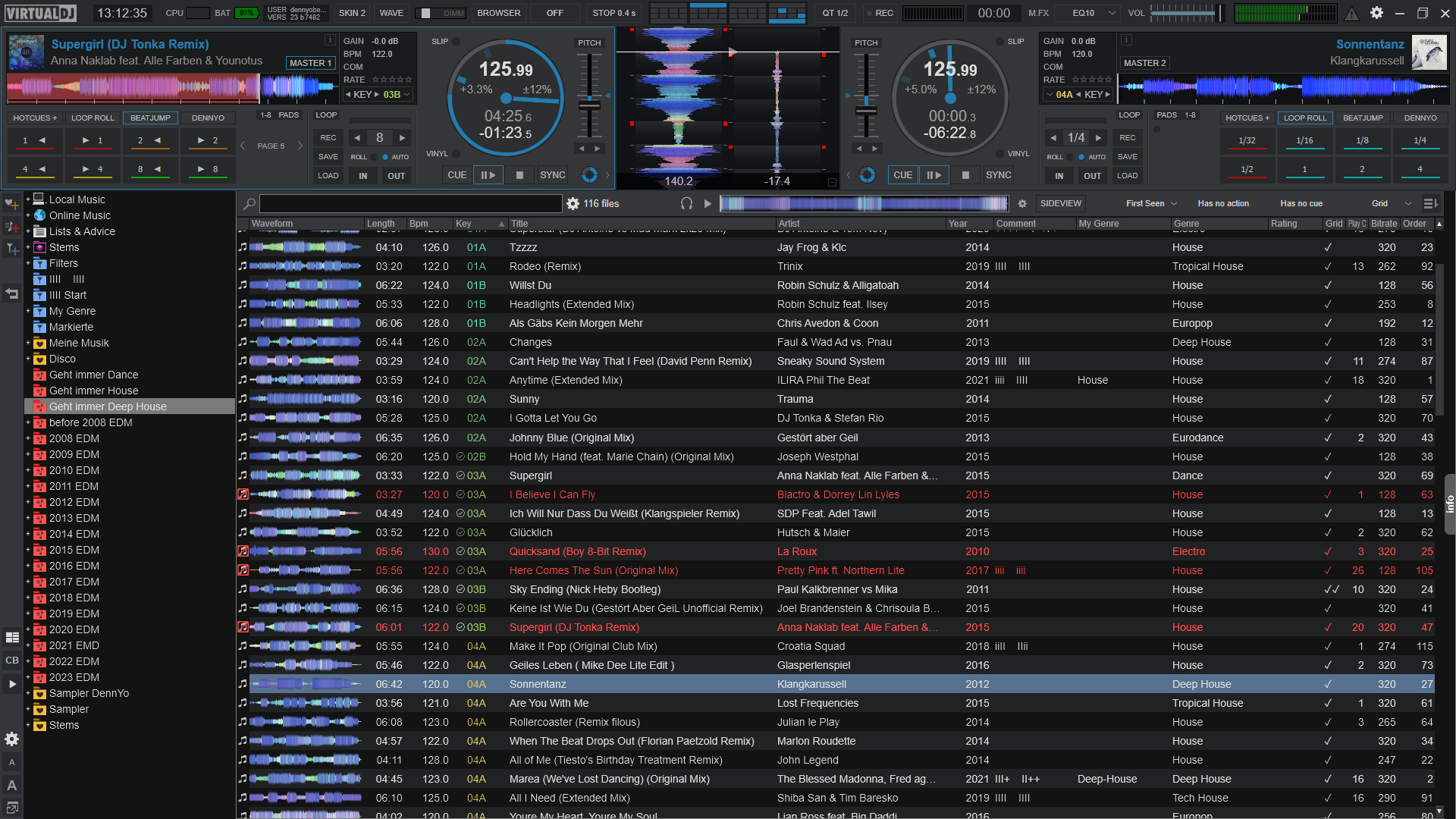
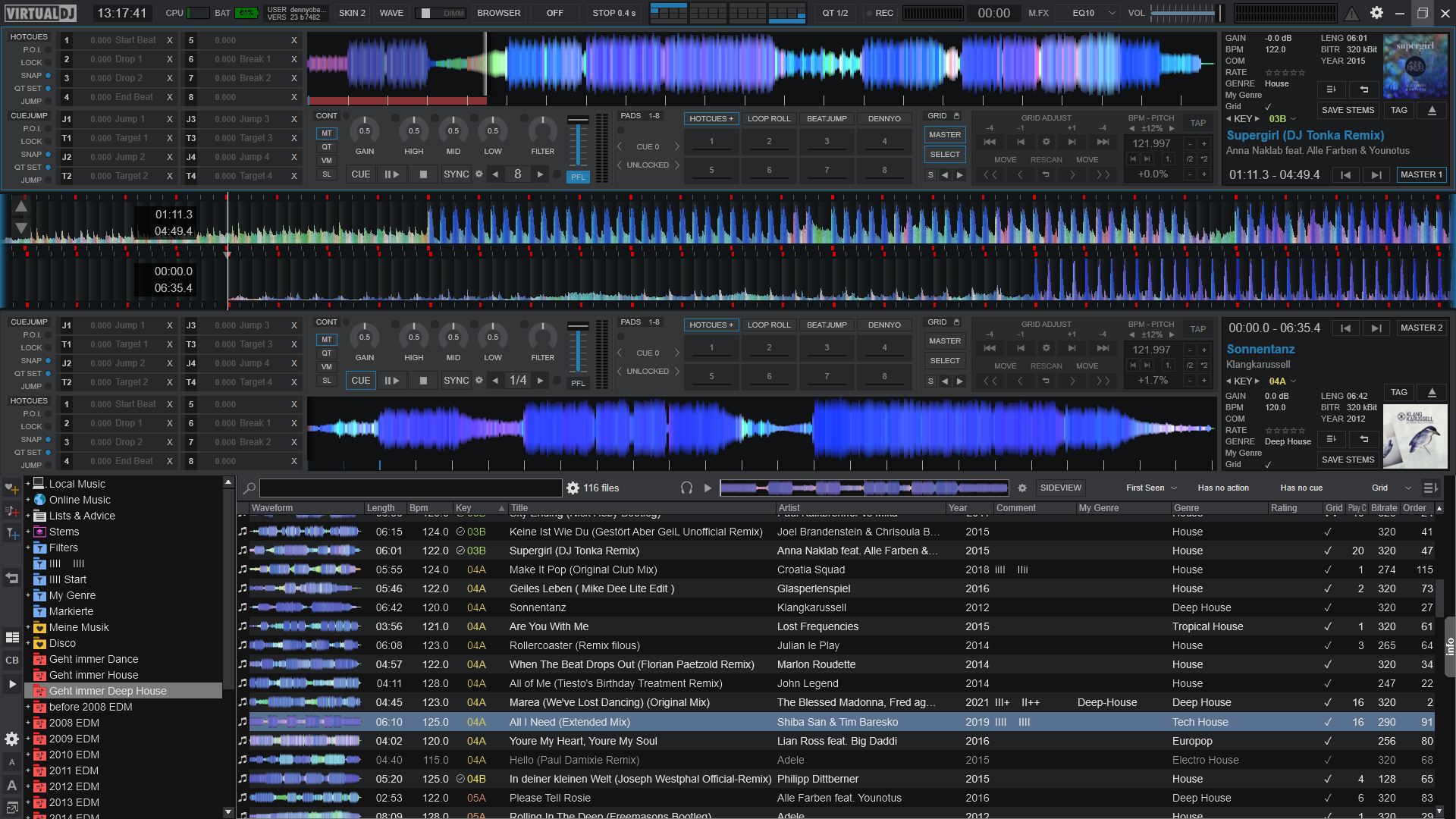
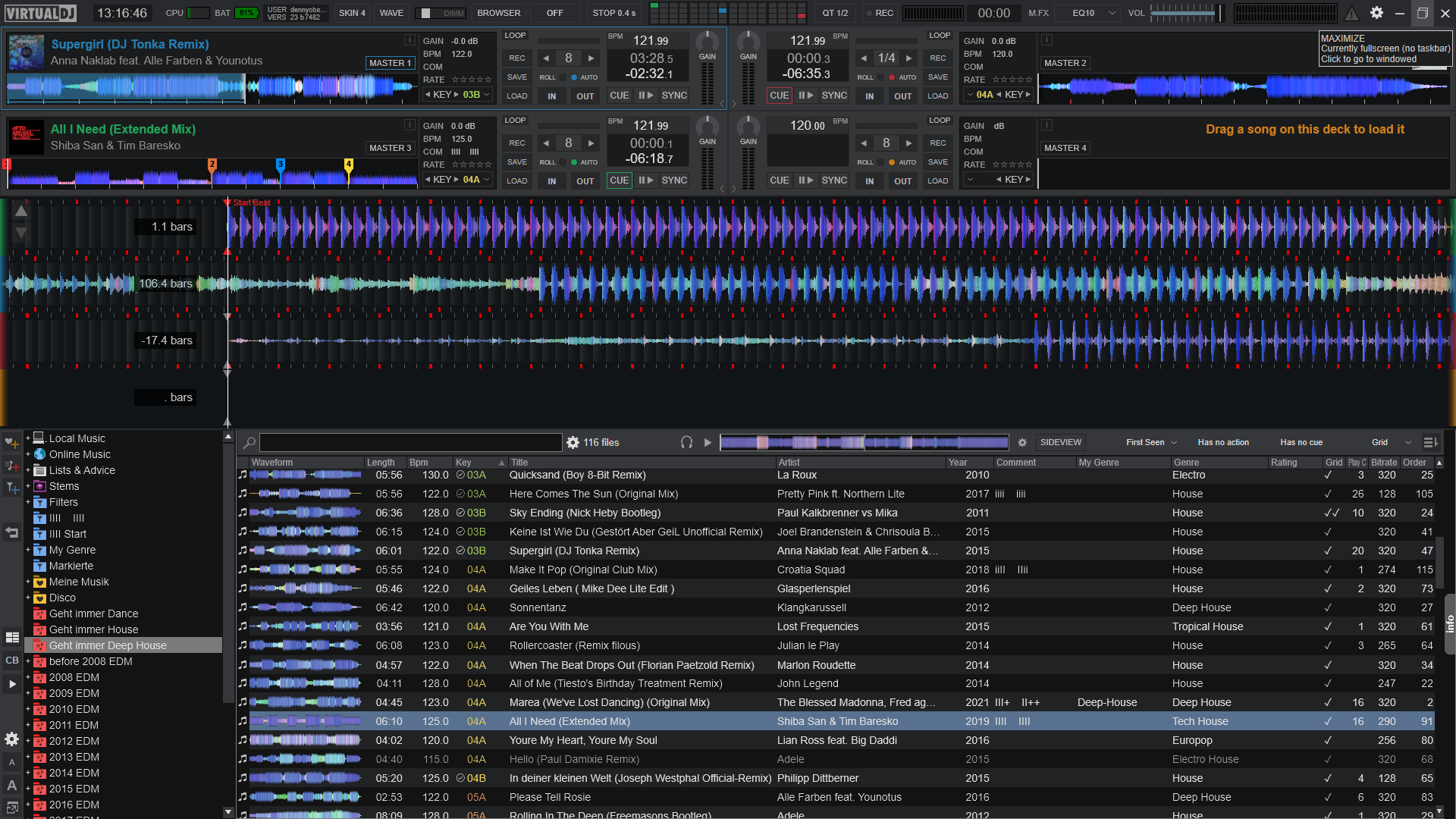
2-4 Deck Preformance Skin. Customize your perfect layout with many predefined panels.
Available on : PC PC (32bit) Mac (Intel) Mac (Arm)