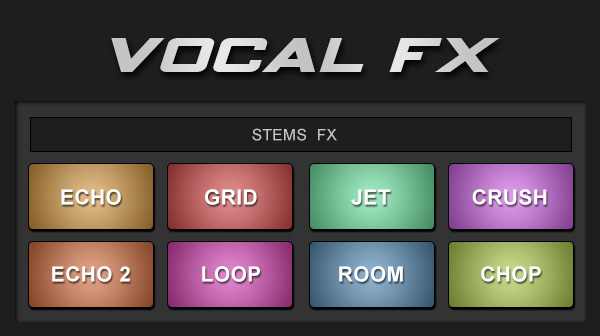
Apply effects to the vocals only of the songs. Echo out, crush, loop, etc (Require latest version of VirtualDJ)
Available on : PC PC (32bit) Mac (Intel) Mac (Arm)


Apply effects to the vocals only of the songs. Echo out, crush, loop, etc (Require latest version of VirtualDJ)
Available on : PC PC (32bit) Mac (Intel) Mac (Arm)
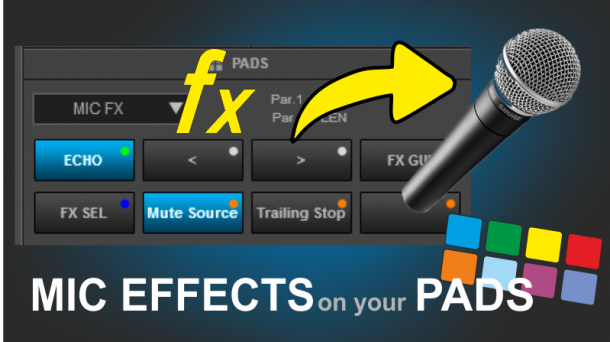
Select and apply Effects to the Microphone Input using the Pads.
Available on : PC PC (32bit) Mac (Intel) Mac (Arm)
creative loop manipulation for in the mix buildups.
Available on : PC PC (32bit) Mac (Intel) Mac (Arm)
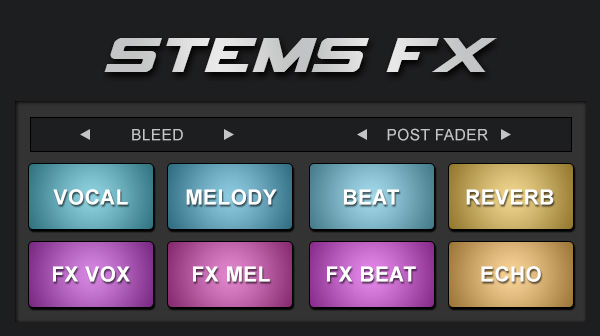
Apply effects to individual stems with quick access pads (Require latest version of VirtualDJ)
Available on : PC PC (32bit) Mac (Intel) Mac (Arm)
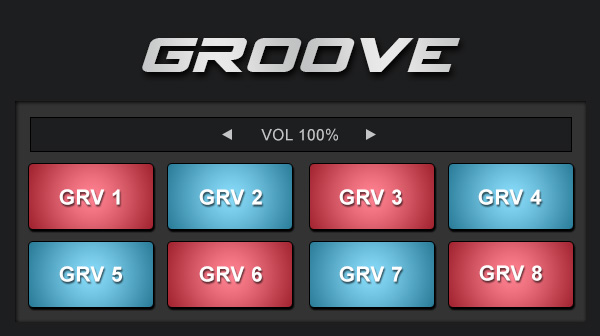
Replace the rhythm section (rhythm stems) with drums and beats from sampler. Use your own drum / beat loop sampler bank or add the Groove 01 & Groove 02 sampler bank from Extensions to use with these pads
Available on : PC PC (32bit) Mac (Intel) Mac (Arm)
HotCues and Stems All in One
Available on : PC PC (32bit) Mac (Intel) Mac (Arm)
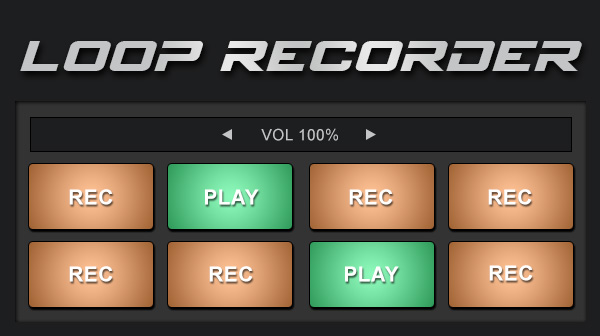
Record loops to sampler on the fly instantly ready to be used and played from the pads. Fun for overlaying some stems loops or replay a part of the song as "overdub"
Available on : PC PC (32bit) Mac (Intel) Mac (Arm)
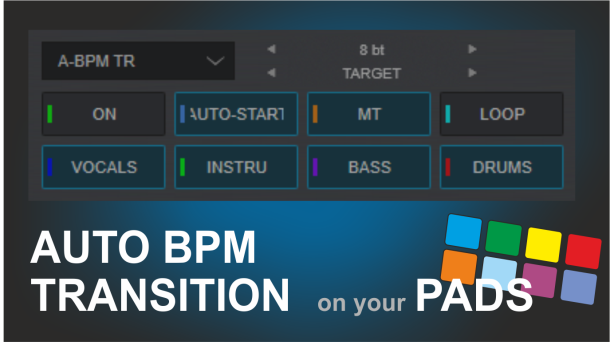
The Auto-BPM Transition with Length, Loop, MT, Auto-Start and Stems automatic parameters during a transition
Available on : PC PC (32bit) Mac (Intel) Mac (Arm)