
Select a Hotcue 1 to 16 then use the 16 Pads to play the Cue on a different Key. Suitable for controllers with 16 Pads per side.
Available on : PC PC (32bit) Mac (Intel) Mac (Arm)


Select a Hotcue 1 to 16 then use the 16 Pads to play the Cue on a different Key. Suitable for controllers with 16 Pads per side.
Available on : PC PC (32bit) Mac (Intel) Mac (Arm)
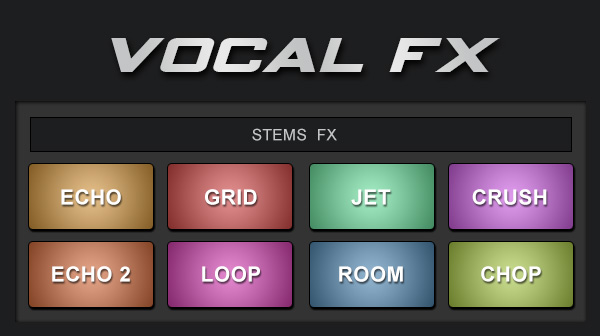
Apply effects to the vocals only of the songs. Echo out, crush, loop, etc (Require latest version of VirtualDJ)
Available on : PC PC (32bit) Mac (Intel) Mac (Arm)
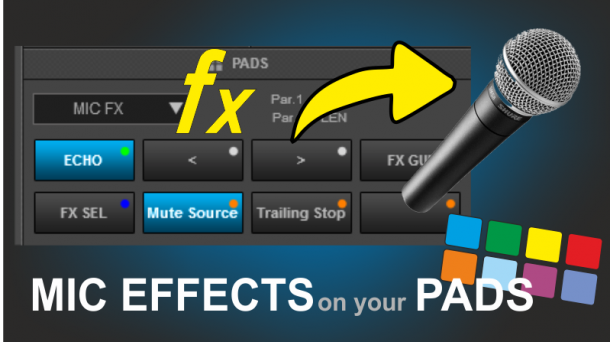
Select and apply Effects to the Microphone Input using the Pads.
Available on : PC PC (32bit) Mac (Intel) Mac (Arm)
creative loop manipulation for in the mix buildups.
Available on : PC PC (32bit) Mac (Intel) Mac (Arm)
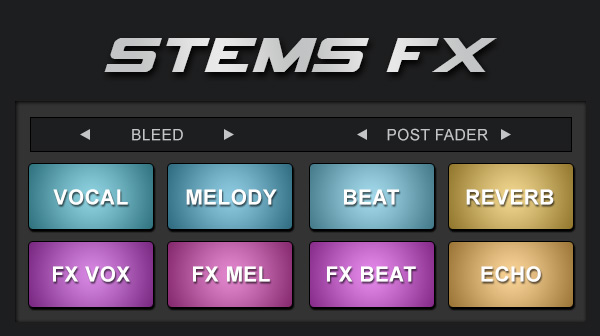
Apply effects to individual stems with quick access pads (Require latest version of VirtualDJ)
Available on : PC PC (32bit) Mac (Intel) Mac (Arm)
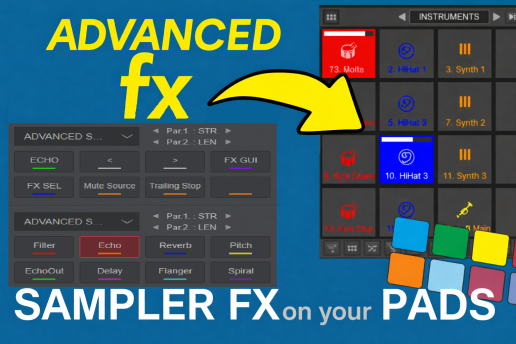
Advanced Sampler FX gives full pad control over your Sampler deck's effects — built for 16-pad controllers like the DDJ XP1/XP2. Select, GUI, and tweak the active effect, plus 8 one-tap shortcuts (Filter, Echo, Reverb, Pitch, Echo Out, Delay, Flanger, Spir
Available on : PC PC (32bit) Mac (Intel) Mac (Arm)
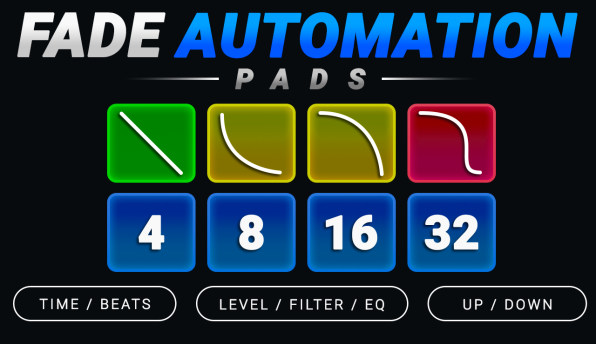
Advanced fade automation pad page with TIME and BEATS modes, multiple fade curves, stepped automation, selectable target (Level, Filter and EQ), direction, configurable start/end levels and more!
Available on : PC PC (32bit) Mac (Intel) Mac (Arm)
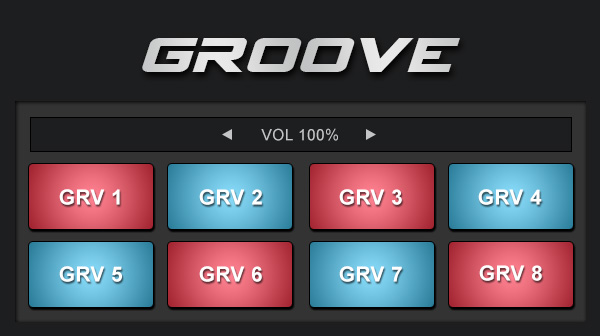
Replace the rhythm section (rhythm stems) with drums and beats from sampler. Use your own drum / beat loop sampler bank or add the Groove 01 & Groove 02 sampler bank from Extensions to use with these pads
Available on : PC PC (32bit) Mac (Intel) Mac (Arm)